There’s nothing more frustrating than being locked out of your trading account right when the markets are moving. Whether it’s a forgotten password, a browser glitch, or a verification hiccup, login problems on Deriv are usually easy to fix once you know where to look. In this guide, we’ll walk you through the most common reasons you might be having trouble logging into Deriv, along with simple, step-by-step solutions to get you back into your account quickly. Other resources on how to improve your account security are found on OWASP. You can learn about authentication, passwords, security and web threats that can affect your account.
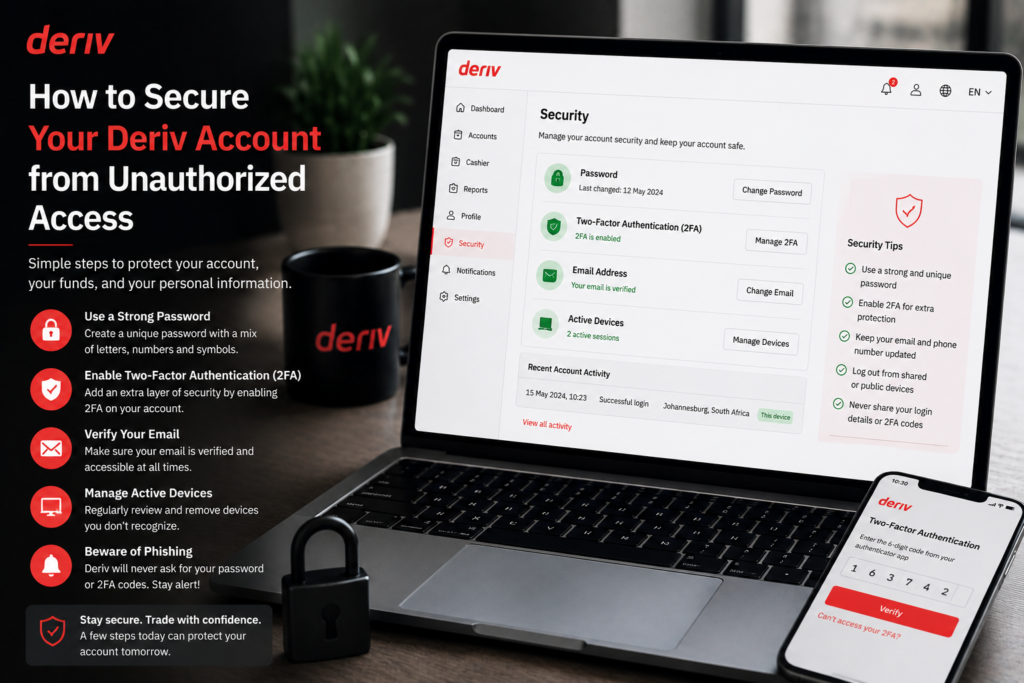
If you want backup troubleshooting steps, see How to Contact Deriv Support and How to Secure Your Deriv Account From Unauthorized Access.
If you do not yet have a Deriv account you can open one here.
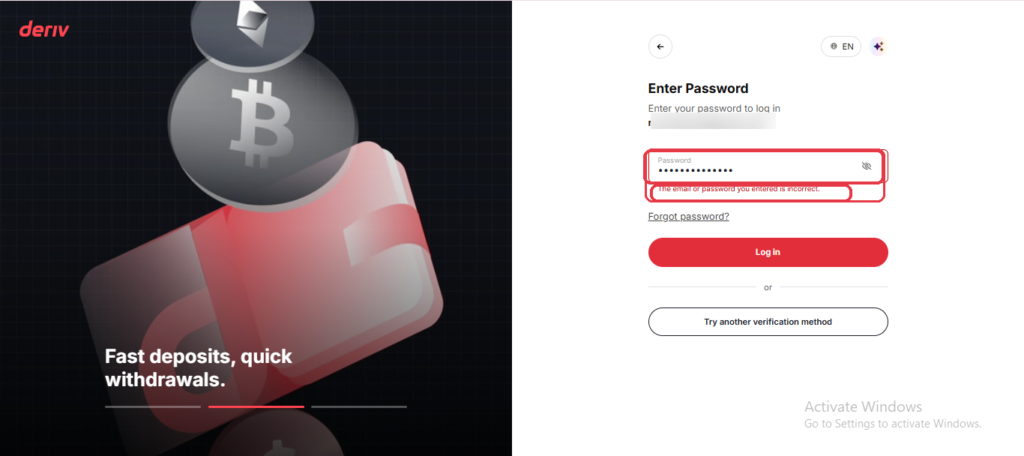
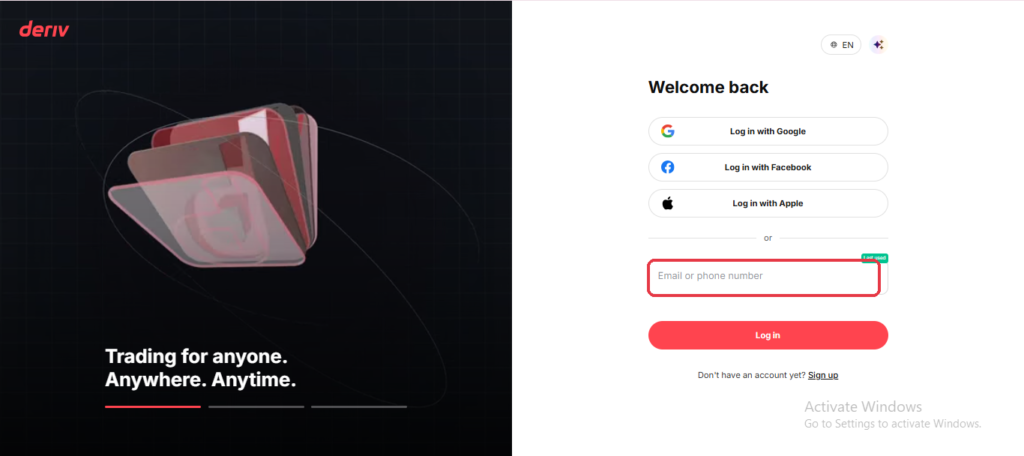
Step 1: Double-Check Your Email and Password
The most common cause of Deriv login problems is simply a typo. Make sure you’re using the exact email address you registered with, and check that Caps Lock isn’t accidentally on when typing your password.
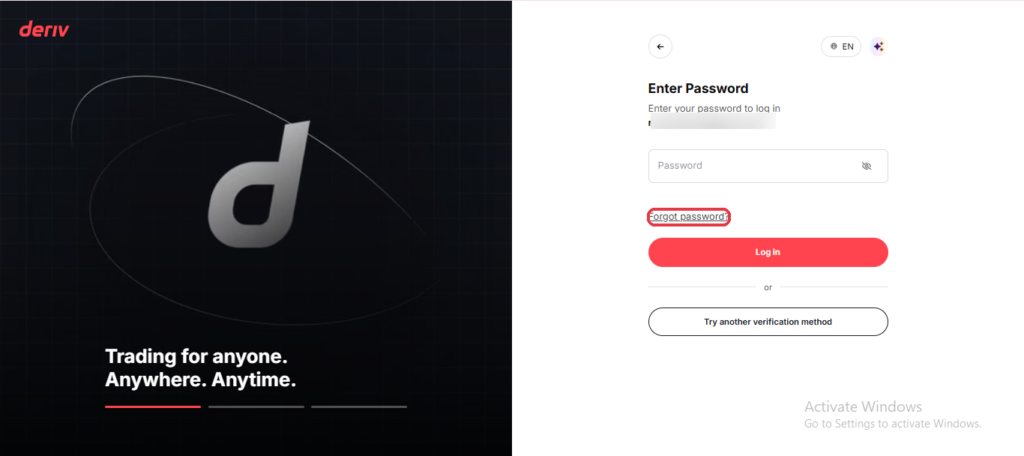
Step 2: Reset Your Password If Needed
If you’re not sure your password is correct, click “Forgot password?” on the login page and follow the reset steps rather than guessing repeatedly, since too many failed attempts can temporarily lock your account.
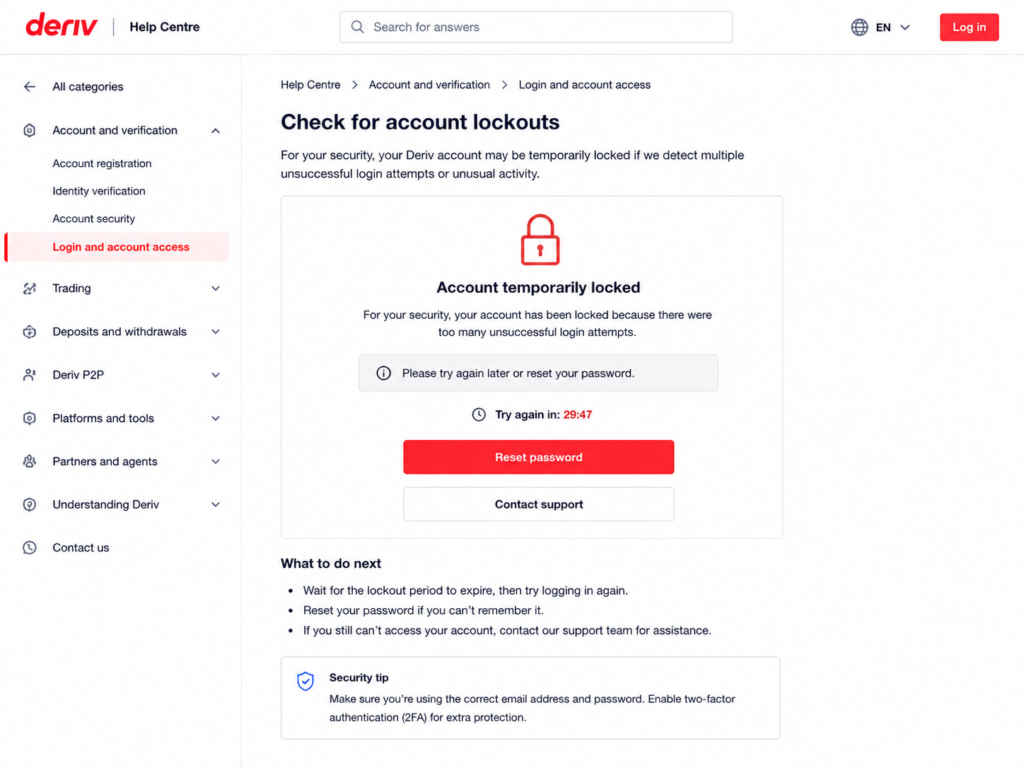
Step 3: Check for Account Lockouts
After several incorrect login attempts, Deriv may temporarily lock your account as a security measure. If this happens, wait a short while before trying again, or reset your password to regain access immediately.
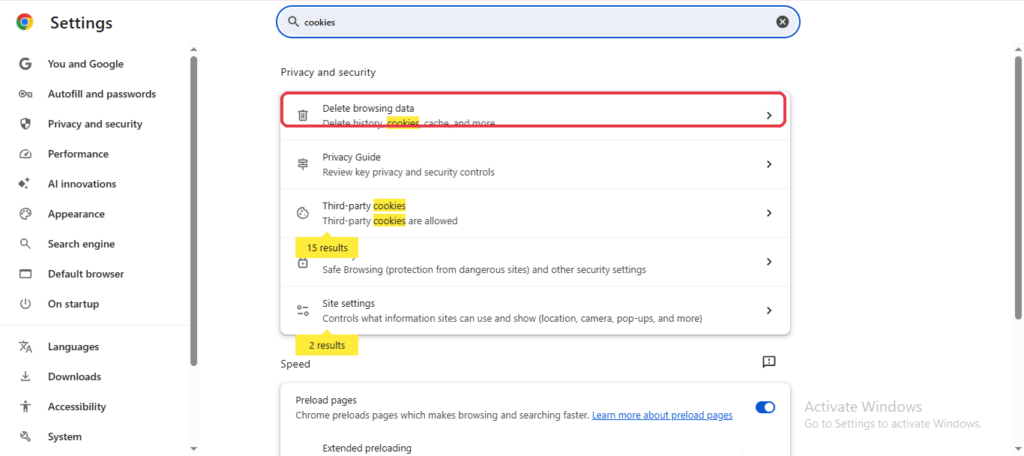
Step 4: Clear Your Browser Cache or Try Another Browser
Sometimes login issues are caused by outdated cached data rather than your account itself. Clear your browser’s cache and cookies, or try logging in using a different browser or in an incognito/private window.
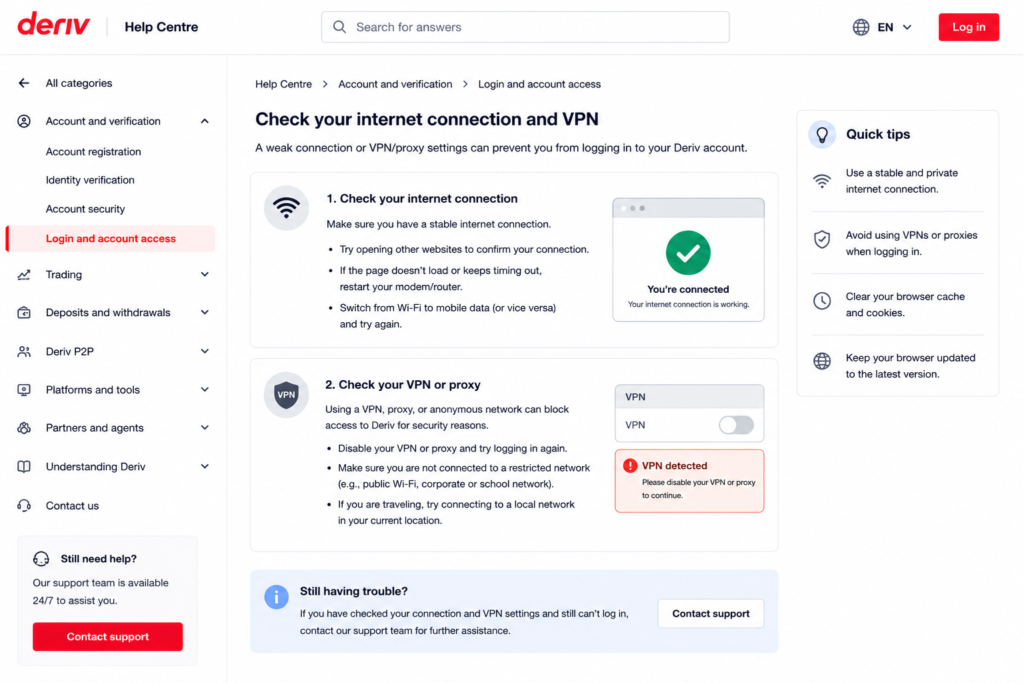
Step 5: Check Your Internet Connection and VPN
An unstable connection can interrupt the login process. If you’re using a VPN, try disabling it temporarily, since some VPN locations can trigger extra security checks on Deriv.
Step 6: Update the Deriv App
If you’re logging in through the mobile app, make sure you’re running the latest version. Outdated app versions can sometimes cause login failures or unexpected errors.
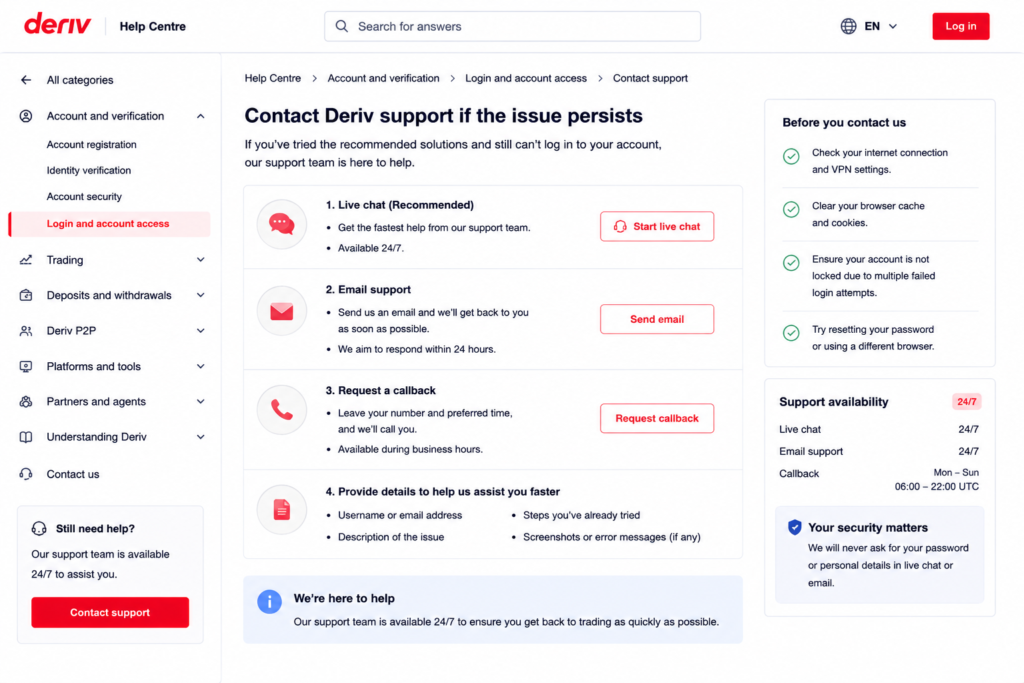
Step 7: Contact Deriv Support If the Issue Persists
If none of the above resolves it, reach out to Deriv support via live chat with details of the error message you’re seeing. They can check your account status directly and advise on next steps.
Back Into Your Account
Most Deriv login problems come down to password issues, temporary lockouts, or browser hiccups, all fixable in a few minutes using the steps above. in another article How to reset your Deriv Password you can learn how to securely change your password to a stronger one.
Now that you are logged back in, you can also consider additional income through Deriv. Some users look at Deriv from a different angle entirely. Users are earning by referring others to the platform rather than trading themselves. Deriv’s Partners program is built for exactly this.
For those wanting to go further and build a broader online income through affiliate marketing in general, Wealthy Affiliate is designed to teach beginners the fundamentals of building an affiliate marketing business from scratch.

FAQ: Solving Deriv Login Problems
Why does Deriv keep saying my password is incorrect? This is usually a typo or Caps Lock being on. If you’re still unsure, reset your password rather than repeatedly guessing, which can lock your account.
How long does a Deriv account lockout last? Lockouts are typically temporary and lift after a short period, though resetting your password immediately regains access without waiting.
Can a VPN cause Deriv login issues? Yes, some VPN locations can trigger additional security checks or restrictions, so try disabling it if you’re having trouble logging in.
What should I do if I still can’t log into Deriv after trying everything? Contact Deriv support through live chat and describe the exact error message you’re seeing, so they can check your account directly.