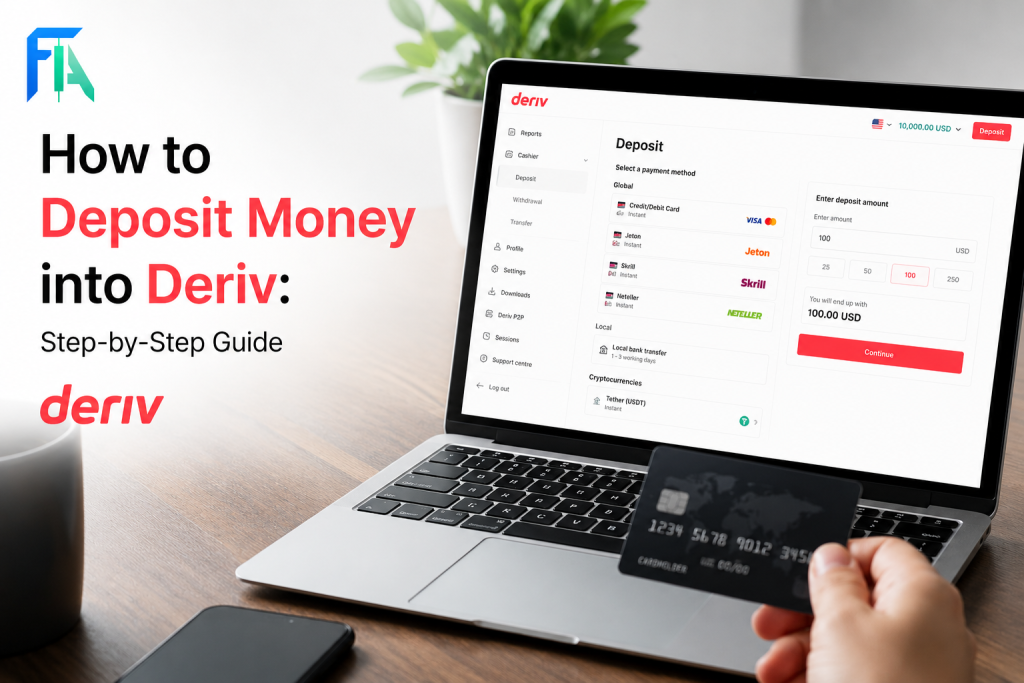
Deriv’s payment agents offer a simple, region-friendly way to move money in and out of your trading account which is especially useful if you don’t have easy access to international cards or e-wallets. These are trusted local individuals or businesses authorized by Deriv to process deposits and withdrawals on the platform’s behalf, often supporting local currencies and familiar payment methods. In this guide, we’ll walk you through exactly how to use a Deriv payment agent for both deposits and withdrawals, so you know how the process works from start to finish. It still important to take extra caution when transacting. Check the FTC Consumer Advice page to learn about fraud and forex trading related scams.
If you still need a wallet and account, see our How to Create a Deriv Account guide first. If you want to compare this method with another local transfer option, read How Deriv P2P Works.
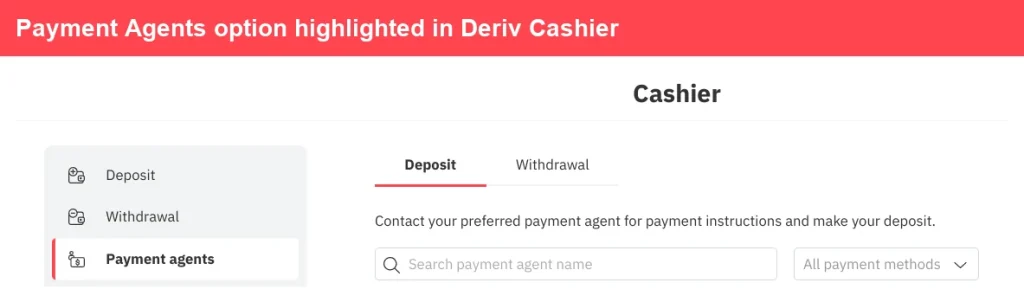
Open the Payment agents section from Cashier.
Step 1: Go to Payment Agents in the Deriv Wallet
Log into your Deriv account and open Wallet, then select “Payment Agents”. This lists agents available for your account’s country and currency.
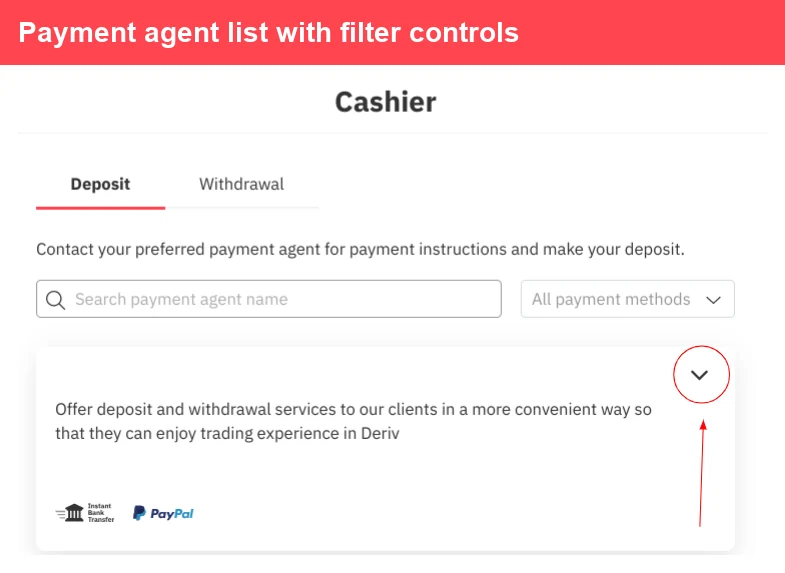
Compare agents from the list before contacting one.
Step 2: Compare Available Payment Agents
Each agent listing shows their name, accepted payment methods, and contact details. Take a moment to compare a few, especially if you’re looking for a specific local payment option like mobile money or a particular bank.
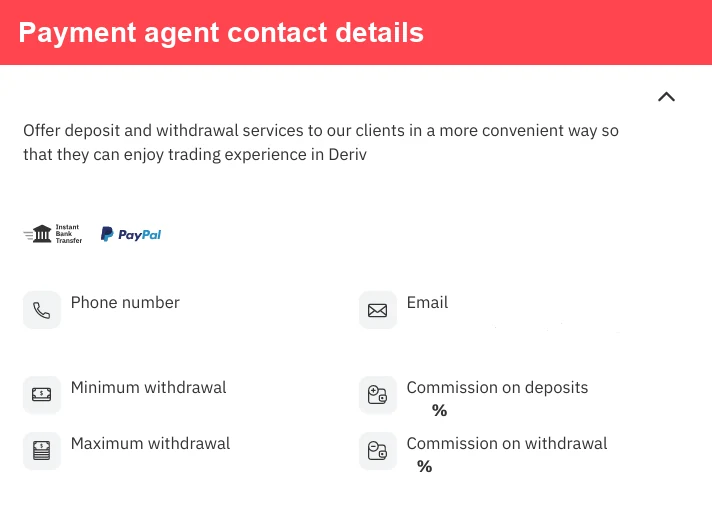
Open an agent profile to review available details.

Step 3: Contact the Payment Agent Directly
Payment Agents operate independently, so you’ll usually need to contact them directly (via the details listed) to arrange your deposit or withdrawal, rather than completing it fully inside Deriv.
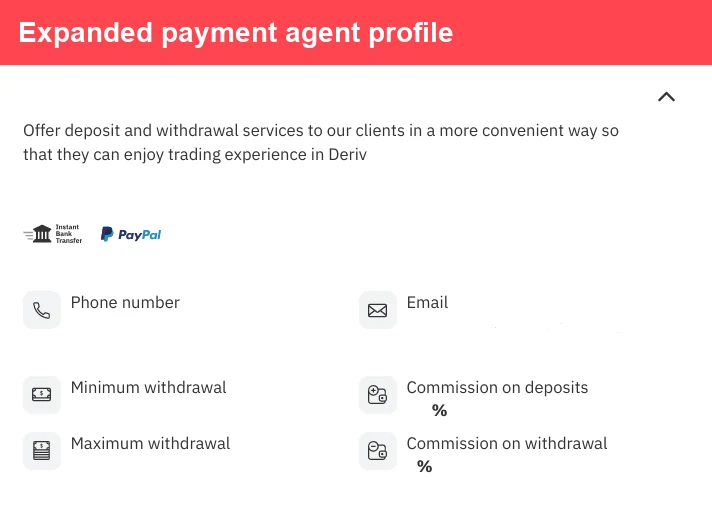
Use the listed contact details to speak to the agent directly.
Step 4: Agree on the Transaction Details
Confirm the amount, payment method, and any rate or fee with the agent before sending funds. Reputable agents will be clear about their process upfront.
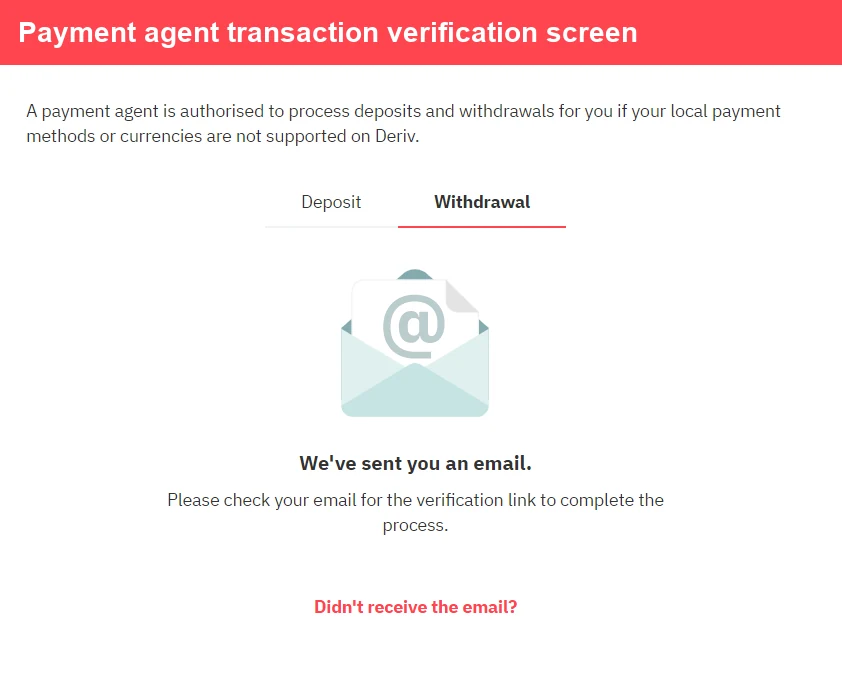
Deriv may ask you to verify a payment-agent transaction.
Step 5: Complete the Deposit or Withdrawal
For a deposit, you’ll typically send payment to the agent through your agreed method, and they’ll transfer the equivalent amount into your Deriv account. For a withdrawal, the process runs in reverse – the agent pays you locally, and the amount is deducted from your Deriv balance.
Check the amount and balance area before continuing.
Step 6: Confirm the Funds Have Reflected
Once the transaction is complete, check your Deriv Wallet or account balance to confirm the funds have gone through correctly.
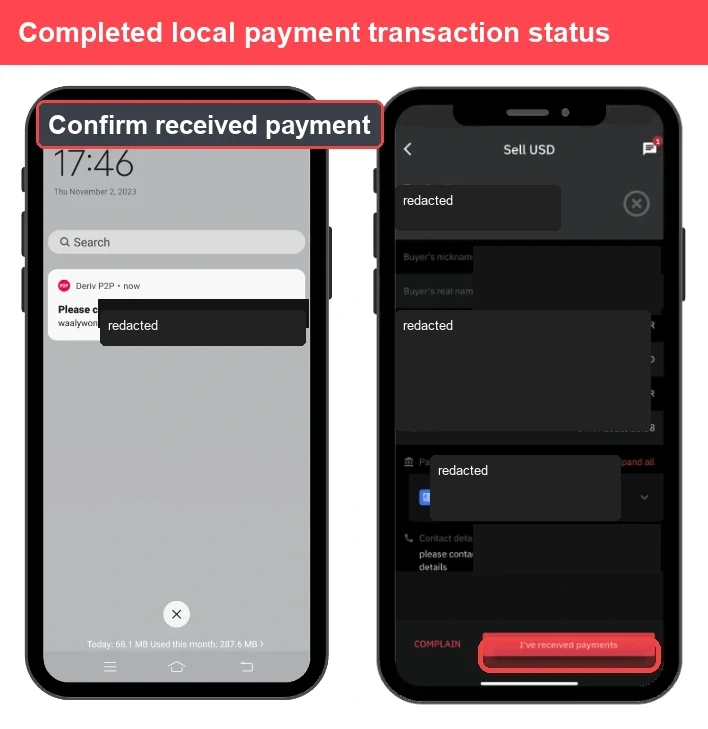
Use transaction history to confirm completion.
Need a Deriv account first? Create Your Deriv Account and come back when your Wallet is ready. If you want the reverse flow, read our How to Withdraw Using a Payment Agent on Deriv guide next.
Another way of earning through is to be a Deriv Partner. This is ideal for anyone looking for a secondary or primary income. You do not need to be a trader to take advantage of this program.
Transaction Complete
That’s how a Deriv Payment Agent transaction works from start to finish. Since agents operate independently, always double-check their details and reviews before sending any funds.
FAQ: Using a Deriv Payment Agent
Are Deriv Payment Agents official Deriv staff? No, Payment Agents are independent individuals or businesses authorized by Deriv to offer local deposit and withdrawal services, not Deriv employees.
Is it safe to use a Deriv Payment Agent? Deriv vets and lists agents on its platform, but since transactions happen directly between you and the agent, it’s worth comparing a few agents and checking their track record first.
Do Payment Agents charge fees? Some agents may charge a small fee or adjust their rate slightly, so it’s worth confirming this with the agent before completing a transaction.
What do I do if a Payment Agent doesn’t complete the transaction? You can report the issue to Deriv support, who can look into the agent and the transaction on your behalf.