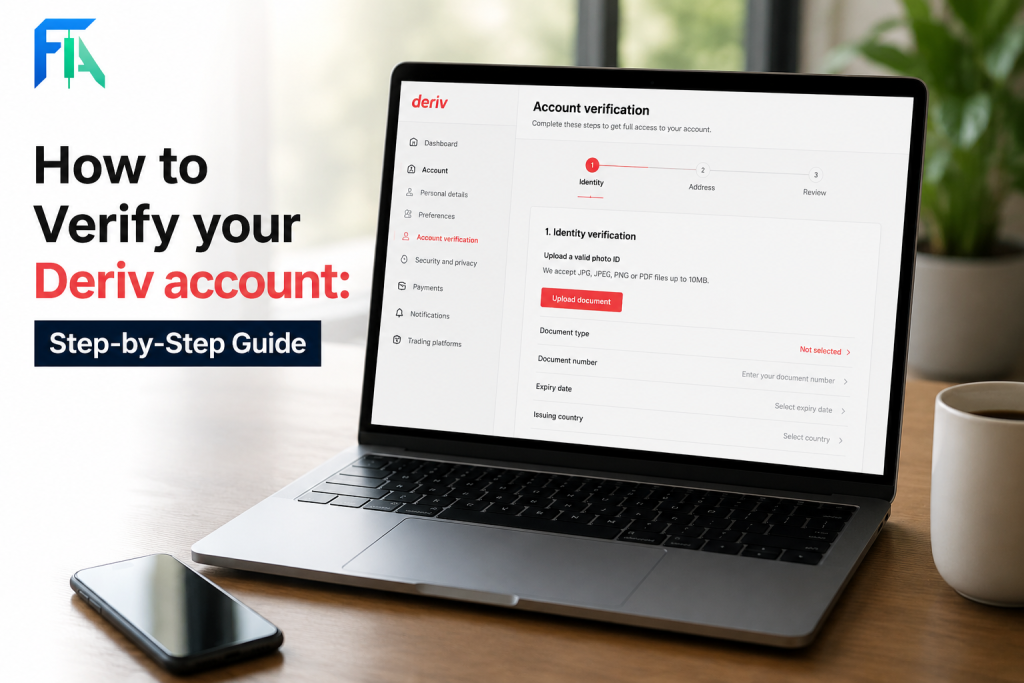
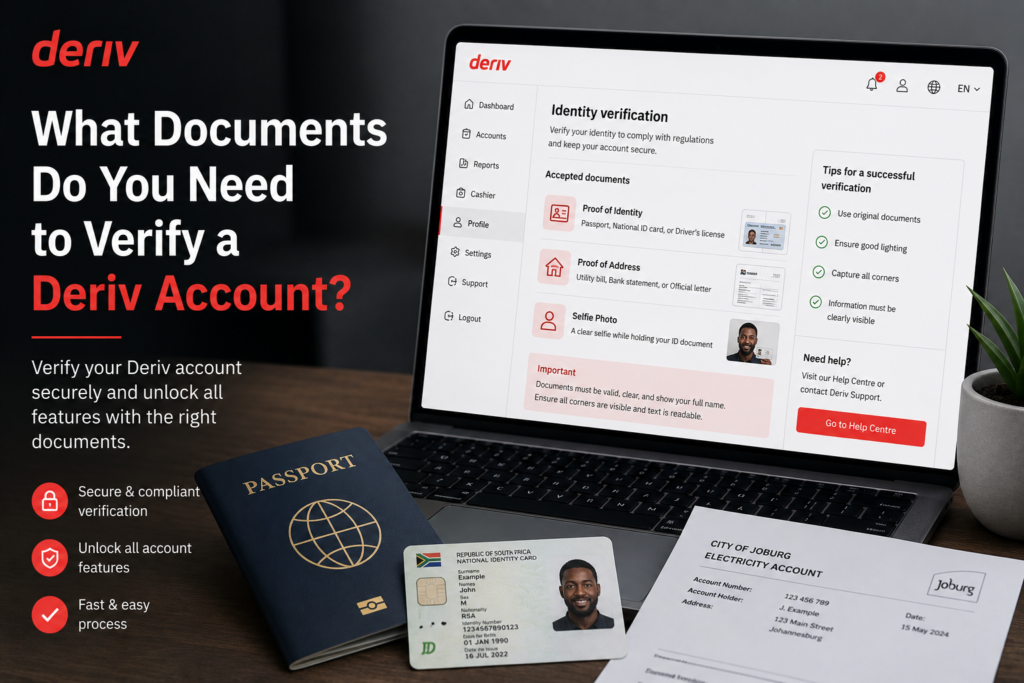
Having a verification attempt rejected can be confusing, especially when you’re not sure exactly what went wrong or how to fix it. The good news is that most Deriv verification failures come down to a small set of common, easily correctable issues — from blurry document photos to mismatched personal details. In this guide, we’ll walk you through the most common reasons your Deriv verification might have failed and exactly how to fix each one so you can get approved on your next attempt. Learn more about why brokers as for personal details for verification on the Financial Action Task Force website.
If your profile details need a refresh first, see How to Update Your Personal Details on Deriv and How to Contact Deriv Support.
If you want to open Deriv Account with revised personal details you can open one here.
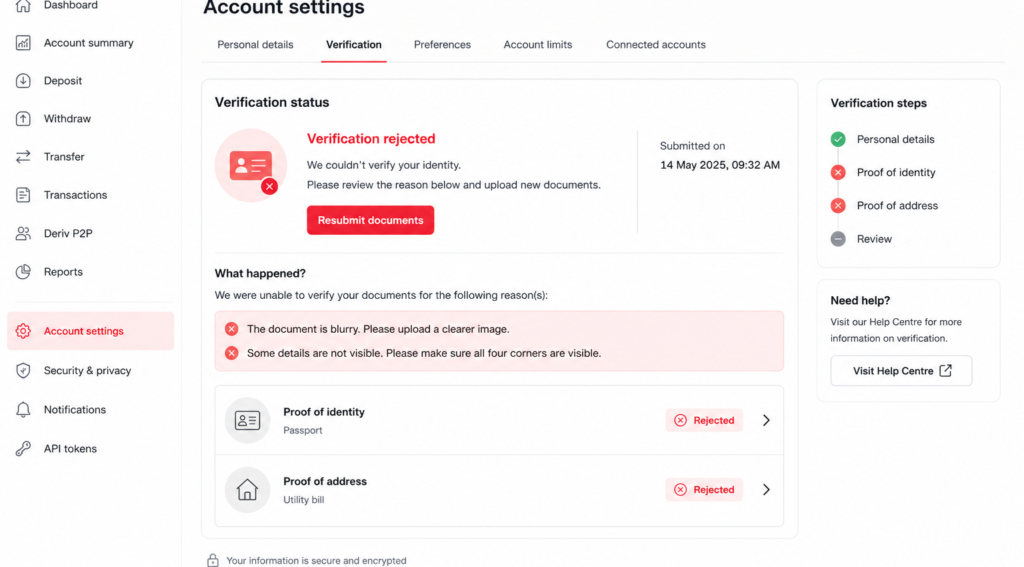
Reason 1: Blurry or Low-Quality Document Photos
If your proof of identity or proof of address photo is blurry, poorly lit, or cropped, Deriv’s review team may not be able to read the details clearly.
How to fix it: Retake the photo in good lighting, keep the camera steady, and make sure the whole document is in frame and in focus before uploading.
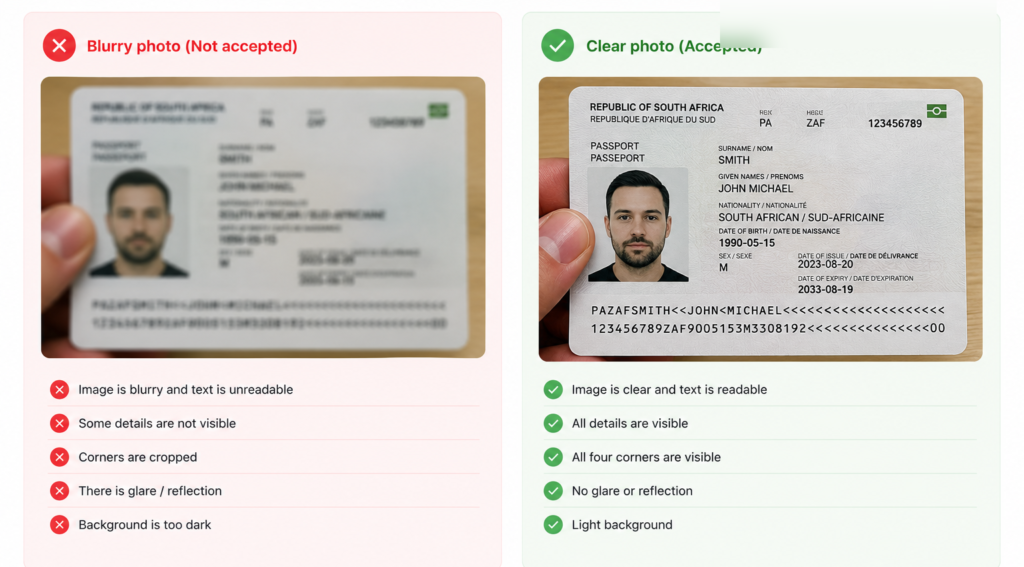
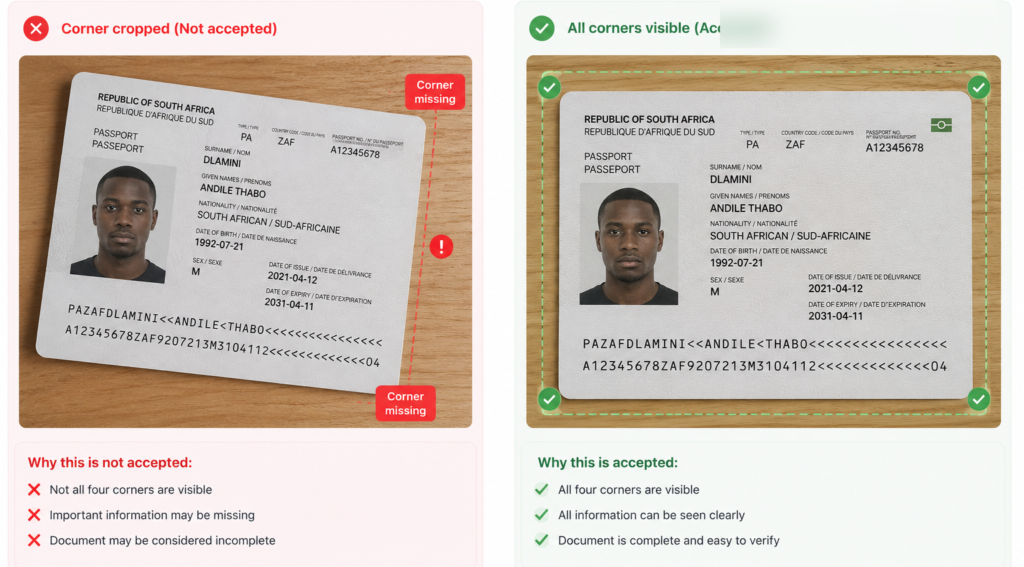
Reason 2: Missing Corners or Cut-Off Details
Deriv requires all four corners of an ID document to be visible. If part of the document is cropped out of frame, it will usually be rejected.
How to fix it: Place the document on a flat, contrasting surface and make sure the entire document, including all edges, is visible before taking the photo.
Reason 3: Mismatched Personal Details
If the name, date of birth, or address on your document doesn’t match what you entered when creating your Deriv account, verification will fail.
How to fix it: Double-check your Account Settings against your official documents. If there’s a genuine mismatch (such as a legal name change), contact Deriv support to update your details.
Reason 4: Expired or Outdated Documents
Deriv only accepts current, valid documents. An expired ID or passport, or a utility bill older than six months, will typically be rejected.
How to fix it: Submit a document that’s still valid, or for proof of address, one dated within the last six months.
Reason 5: Unsupported Document Type
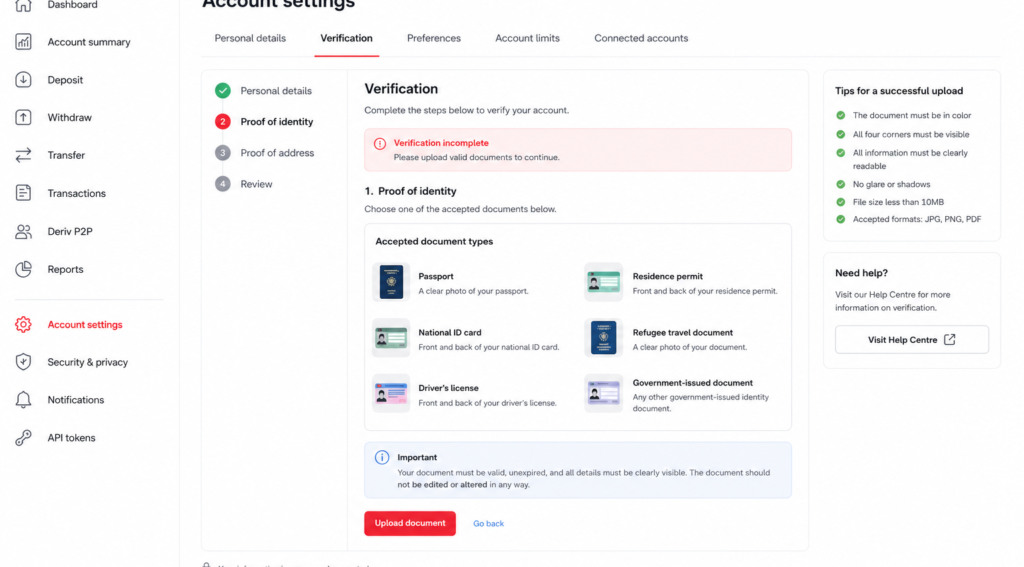
Not every type of document is accepted. For example, some informal letters or documents without official letterheads won’t count as valid proof of address.
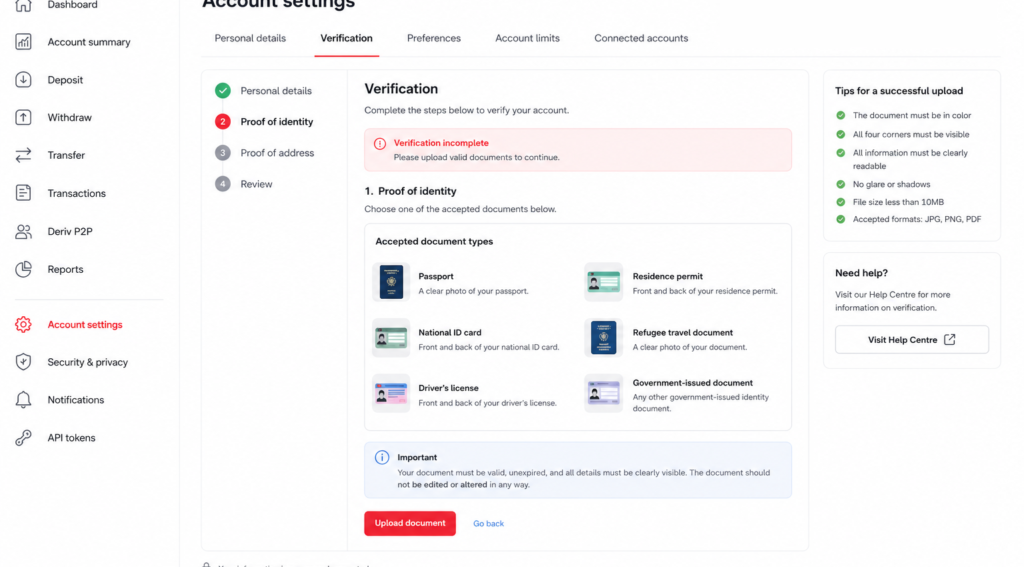
How to fix it: Stick to Deriv’s accepted list, such as a national ID card, passport, or driving licence for identity, and a utility bill or bank statement for address.
Reason 6: Document Doesn’t Match the Account Holder
If the document you upload belongs to someone else, such as a family member’s utility bill, it will be rejected, even if you live at the same address.
How to fix it: Make sure the document is issued in your own name, matching the details on your Deriv account.
Getting It Right the Second Time
Once you understand why a document was rejected, resubmitting correctly is usually quick. Deriv typically shows the specific rejection reason in your Account Settings, which is the best place to start troubleshooting. You can check our guide How to verify your account on Deriv for a step by step process.

Beyond Account Verification
Once your account is in good standing, some users start looking at Deriv from a different angle and that is earning by referring others to the platform rather than trading themselves. Deriv’s Partners program is designed for exactly this.
For those wanting to build a broader online income through affiliate marketing more generally, Wealthy Affiliate is designed to teach beginners the fundamentals of building an affiliate marketing business from scratch.
FAQ: Deriv Verification Failures
Where can I see why my Deriv verification was rejected? Check the Proof of Identity or Proof of Address tab in your Account Settings, where Deriv usually notes the specific reason for rejection.
How many times can I resubmit my Deriv verification documents? There’s no fixed limit, but each resubmission goes through the same review process, so it’s worth fixing the specific issue before trying again.
Can I use a digital copy of my utility bill for Deriv verification? Yes, as long as it’s clear, complete, and dated within the last six months, a digital copy or PDF is generally accepted.
Why was my Deriv verification rejected even though my documents looked fine? It could be a mismatch between your account details and the document, an unsupported document type, or an issue not immediately obvious from the photo — checking the exact rejection note in Account Settings will clarify this.