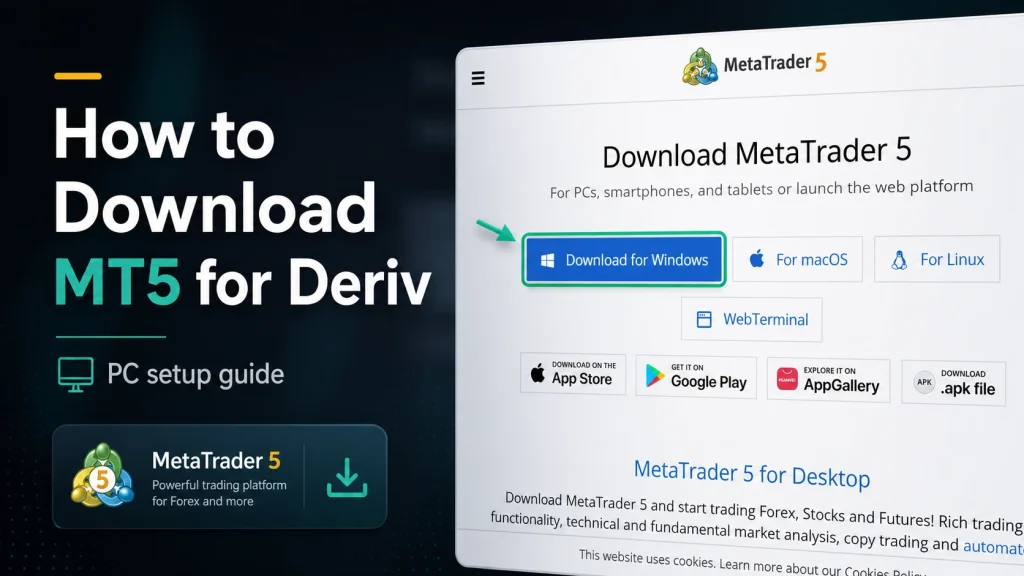
Say you’re already comfortable with Deriv, and you’ve heard TradingView mentioned somewhere in the mix. What actually happens behind the scenes when the two are connected? The Financial Commission’s coverage of the partnership, detailed on their site, gives a useful outside view of how the mechanics actually fit together. It is worth reading alongside this walkthrough.
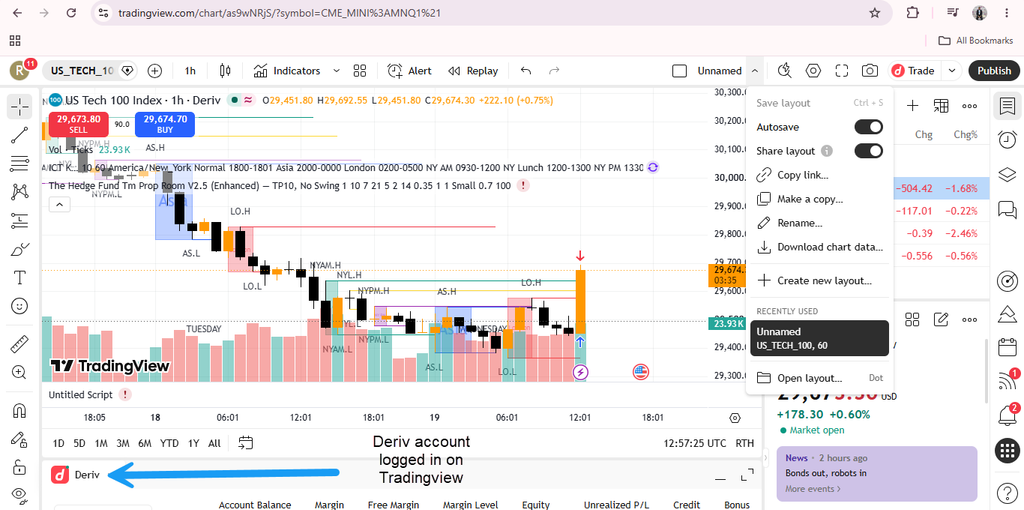
You Start From Either Direction
You can approach this from Deriv’s side, opening Deriv by typing https://charts.deriv.com/deriv in your browser and loading TradingView’s charts directly into the workspace, or from TradingView’s side, connecting your Deriv account as a broker within TradingView.com itself. Both lead to a similar outcome, just with the interface centered differently. Which direction makes more sense depends largely on where you already spend more of your time. Traders who live inside Deriv day to day will likely find the embedded Deriv X route more natural, while traders coming from TradingView with existing chart setups and saved layouts there might prefer connecting Deriv as an additional broker instead.
[SCREENSHOT 2: Both entry points — Deriv X and TradingView.com — shown side by side]
[BANNER AD PLACEHOLDER 1]
Charting Happens on TradingView’s Engine
Regardless of which direction you started from, the actual charting, indicators, drawing tools, layouts, is powered by TradingView’s technology. Deriv doesn’t rebuild this itself; it’s a genuine integration of TradingView’s engine, not an imitation built to look similar. This matters practically, since it means the charting behavior, indicator calculations, and drawing tool precision are identical to what you’d get using TradingView independently, rather than a simplified approximation.
Execution Stays With Deriv
Even when you’re trading from TradingView’s own interface, having connected your Deriv account, the actual trade execution, pricing, and account management are handled by Deriv behind the scenes. TradingView is the window; Deriv is doing the underlying work. This split matters for understanding where responsibility sits. If you have a question about a specific trade’s pricing or execution, that’s a Deriv matter, even if you placed the trade from TradingView’s chart. TradingView’s role stops at providing the interface and sending your instructions through.
[SCREENSHOT 4: A trade executed through TradingView, settling into the Deriv account balance]
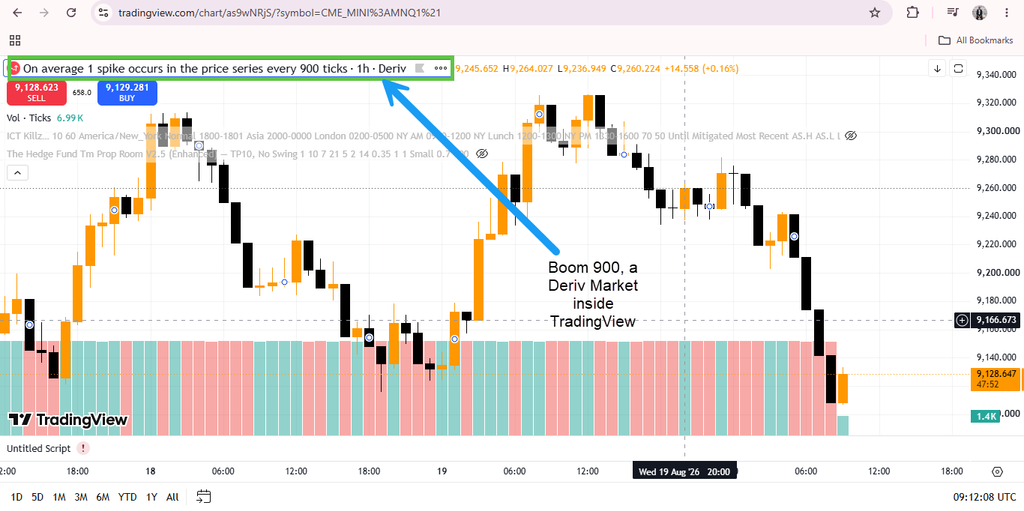
Deriv’s Exclusive Markets Come Along for the Ride
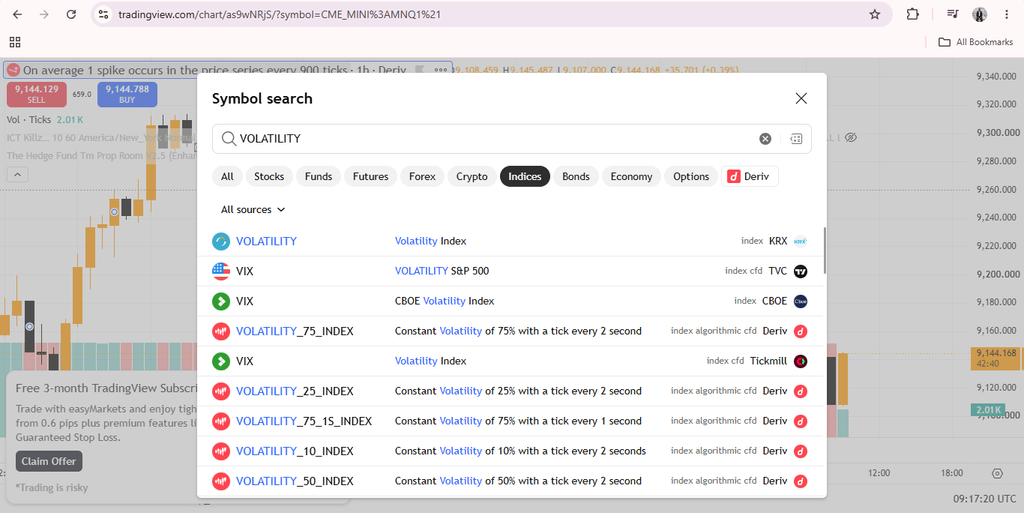
One detail worth noticing: connecting Deriv to TradingView brings Deriv’s own proprietary synthetic markets such as Volatility Indices and Boom/Crash Indices into TradingView, instruments that aren’t accessible through most other brokers integrated with the platform. For TradingView’s broader user base, many of whom may never have encountered these specific instruments before, this is effectively a first introduction to markets that run continuously, including weekends, and behave differently from traditional forex or stock indices they’re used to analyzing.
Your Account Stays the Same Either Way
Whether you’re viewing charts inside Deriv X or trading from TradingView.com directly, it’s still one Deriv account and one Wallet behind everything — nothing about your funds or account structure changes based on which interface you’re using. Our guide on How to Connect Deriv to TradingView covers the actual linking process, and How to Access TradingView From the Deriv Dashboard covers the embedded version within Deriv X.
[SCREENSHOT 6: Deriv Wallet balance shown consistently across both interfaces]
Understanding how two platforms connect behind the scenes is useful, but there’s a much simpler connection worth knowing about too — one between you and a steady referral income from Deriv. Take a look here if that’s something you haven’t explored yet.