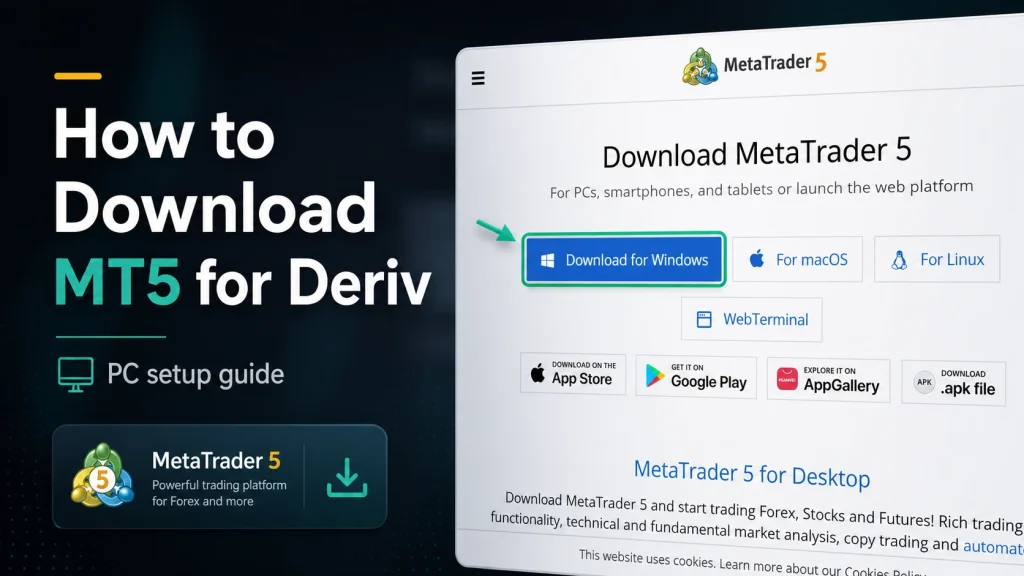
cTrader carved out its reputation on transparency. Level II pricing, depth-of-market data, an order execution model that appeals to traders who want to see exactly what’s happening behind their fills. Deriv’s implementation brings that same platform to Deriv’s account structure, aimed less at beginners and more at traders who already know what ECN-style execution means to them. As you learn more about cTrader on Deriv, it helps to understand how the platform handles markets, orders, positions, and deals. The official cTrader Help Centre provides a useful overview of these core trading features and how they work together.
If you do not yet have a Deriv account you can create one here.

What the Two Platforms Share
Both Deriv MT5 and Deriv cTrader offer access to forex, commodities, stock indices, cryptocurrencies, and Deriv’s Derived Indices, all as CFDs with competitive spreads.

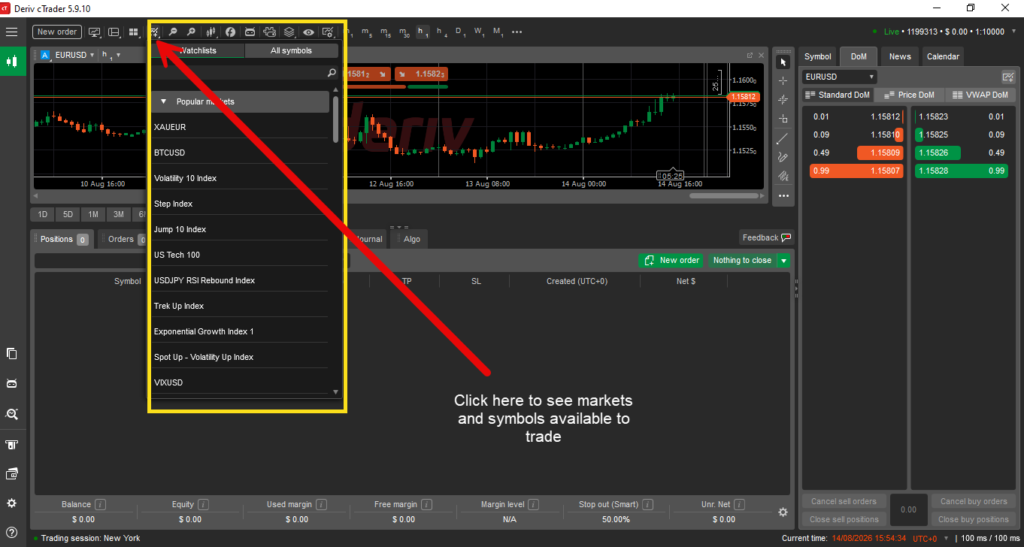
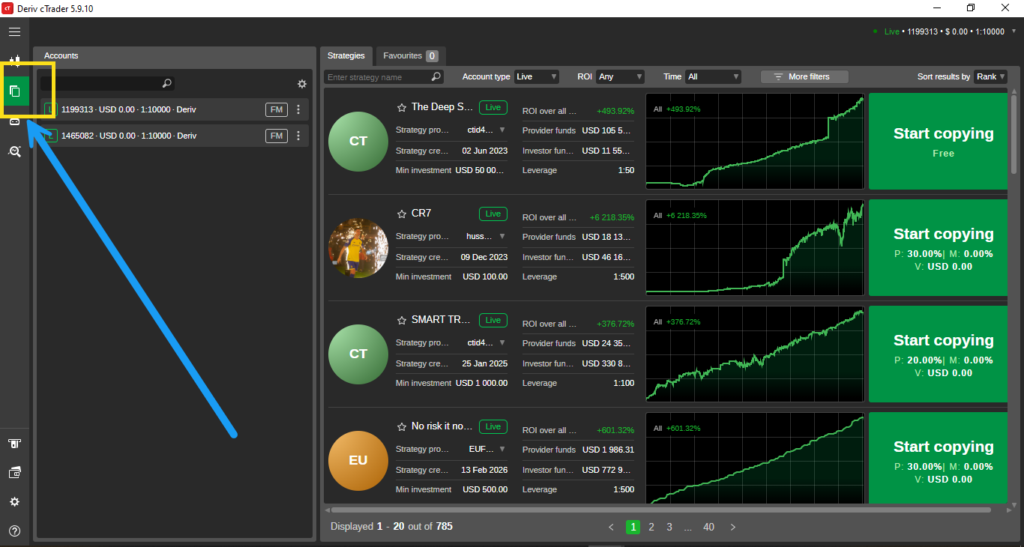
What Makes cTrader Different: Copy Trading
cTrader’s standout feature is copy trading, letting you follow and automatically mirror the trades of more experienced traders, which MT5 doesn’t offer natively on Deriv.
Interface Style
cTrader is generally considered to have a cleaner, more beginner-friendly interface, while MT5 leans toward a denser layout suited to traders who want deep customization and a wider range of indicators.

Additional Tools
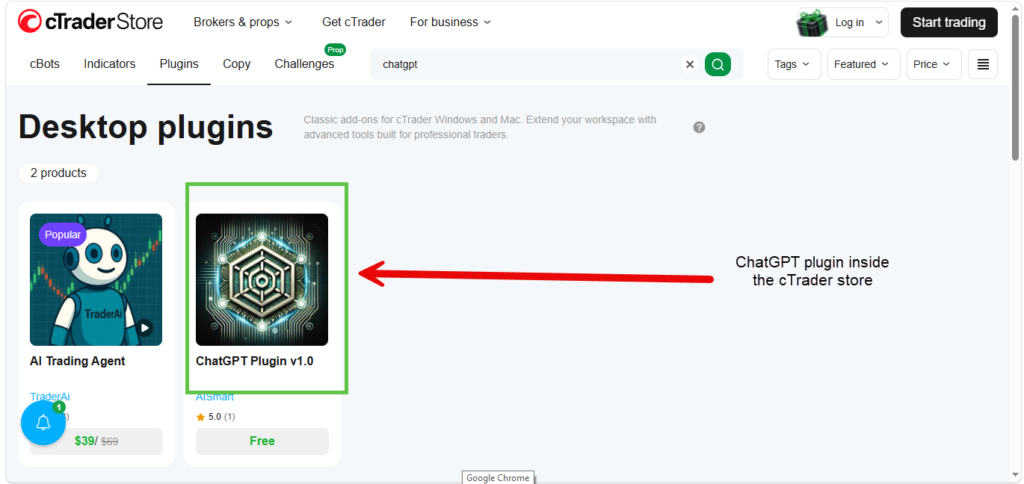
Deriv cTrader includes over 60 custom indicators and, notably, integrated ChatGPT access for market analysis support directly within the platform.
One Account for Multiple Asset Types
cTrader allows trading both derived and financial assets from a single account, without switching between separate setups, which can simplify account management compared to MT5’s separate account types.

Choosing Between the Two
If copy trading or a simpler interface appeals to you, cTrader is worth exploring. If you want the widest range of advanced tools and are comfortable with more complexity, MT5 remains the deeper option. Our guide on [What Is Deriv MT5?] covers that platform in full, and What Are Deriv Trading Platforms? compares all of Deriv’s offerings side by side.
Copying other traders’ strategies is one way to engage with Deriv passively, but there’s an entirely different passive option too, built around referring people to the platform. Worth a look here.

FAQ: Deriv cTrader Explained
Is copy trading available on Deriv MT5 as well? No, copy trading on Deriv is specifically a feature of cTrader, alongside Deriv’s separate Nakala platform.
Do I need trading experience to use cTrader’s copy trading feature? No, it’s designed to let less experienced users follow strategies from others without needing to place trades themselves.
Is Deriv cTrader available on mobile? Yes, it’s accessible via desktop, web, and mobile, similar to MT5.
Can I switch between MT5 and cTrader accounts freely? Yes, both are accessible from the same Trader’s Hub, and there’s nothing stopping you from using both.