Logging out might seem like a small, obvious step, but doing it properly matters more than most traders realize and that is especially when using shared or public devices. A proper logout helps protect your account from unauthorized access and ensures your session data is cleared securely. In this guide, we’ll walk you through exactly how to log out of Deriv properly, step by step, across web, desktop, and mobile, so your account stays secure between sessions. Logging out after each session is a simple but effective way to protect your account, especially when using a shared or public device. Google’s Safety Center also recommends signing out of your accounts on devices you don’t exclusively control as part of good online security practices.
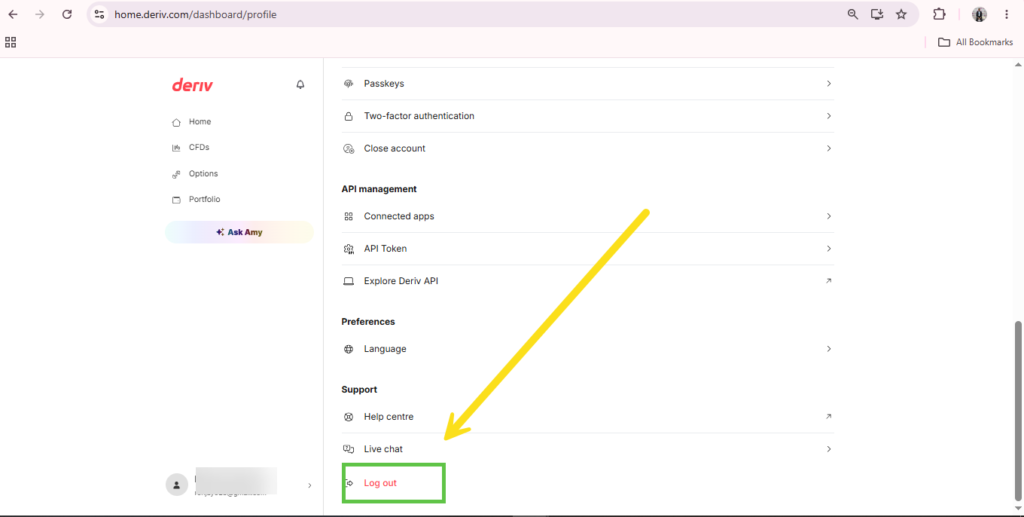
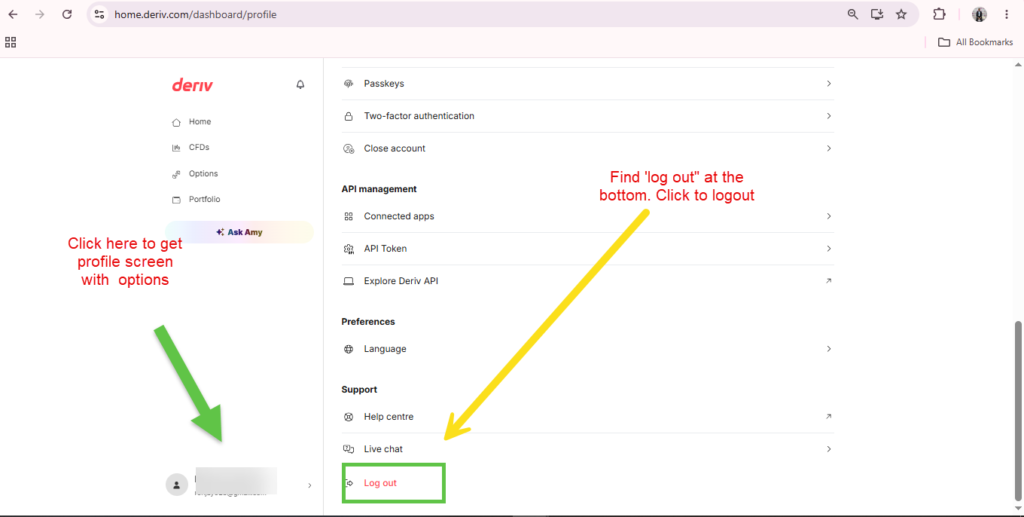
Step 1: Open Your Profile Menu
On the web dashboard, log into Deriv and click your profile at the bottom left corner.

Step 2: Select Log Out
Click “Log out” from the dropdown menu. This ends your current session immediately.
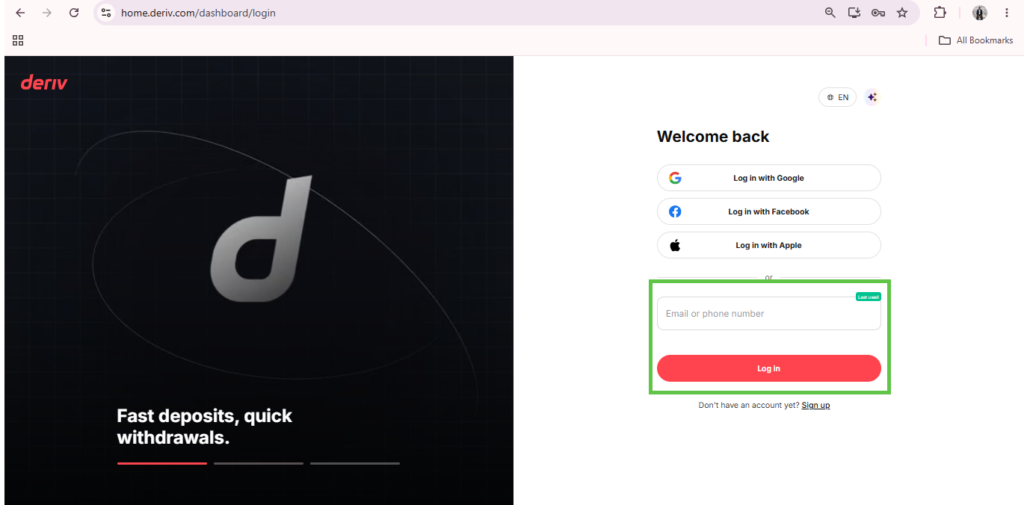
Step 3: Confirm You’ve Been Redirected
After logging out, you should land back on the Deriv home page or login screen, confirming the session has actually ended.

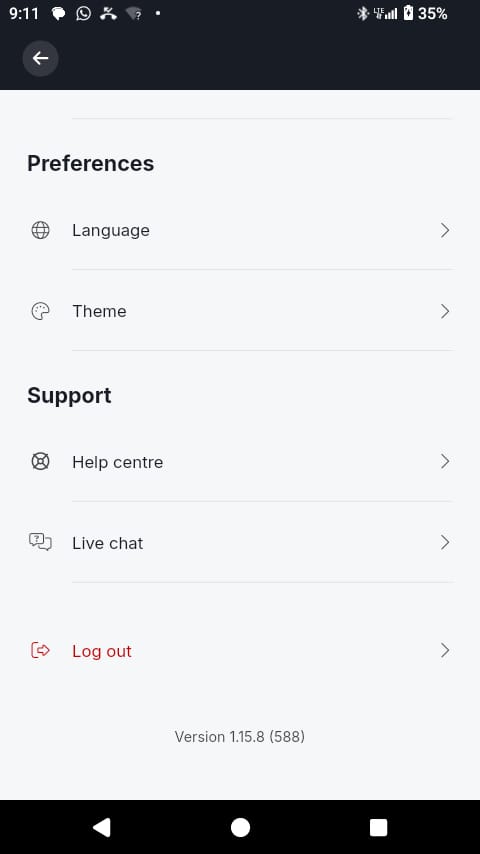
Step 4: Log Out Properly on Mobile
On the Deriv mobile app, open the same profile menu and tap “Log out”, following the same principle as the web version.
Step 5: Close the Browser Tab on Shared Devices
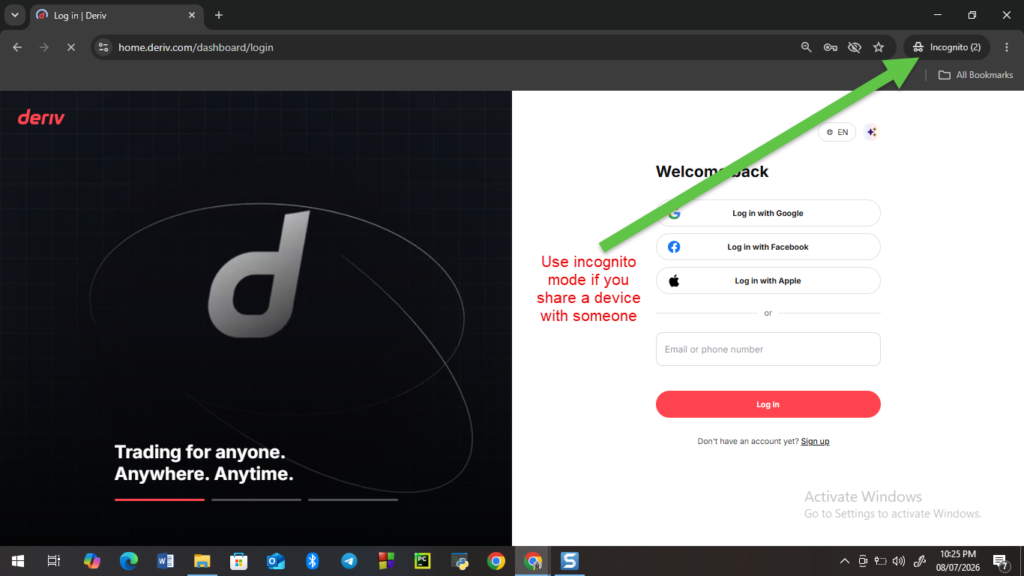
On a shared or public computer, logging out alone may not be enough. Close the browser tab or use a private/incognito window in the first place to avoid leaving any session data behind.
Step 6: Check for Active Sessions if You’re Unsure
If you’re concerned a session was left open somewhere, check your account’s security settings for any option to view or end active sessions remotely.
A Small Habit Worth Keeping
Logging out properly, especially on devices you don’t fully control, is a simple habit that closes off one more way your account could be accessed without your knowledge. For a broader look at protecting your account, our guide on How to Secure Your Deriv Account from Unauthorized Access covers more habits worth building in alongside this one.
If you’re a newer trader still settling into good account habits on Deriv, this guide from The Forex Affiliate touches on the basics as part of a broader account setup walkthrough.
Logging out properly might seem like the least exciting part of using any platform, but it’s a good habit that says something about how you treat your accounts and by extension, how you’d talk about the platform to anyone watching how you operate. Deriv makes it simple enough that there’s no excuse to skip it, and that same attention to the small stuff is part of what makes it an easy platform to stand behind. If that’s got you thinking about doing more than just using it yourself, it’s worth exploring especially if you’ve already got people paying attention to what you recommend. And for anyone still figuring out how to build that into something consistent, this is a good starting point for learning the rest.
FAQ: Logging Out of Deriv Properly
Does closing the browser tab log me out automatically? Not always. It’s safer to actively click “Log out” rather than relying on the tab closing to end your session.
Is logging out necessary on my own personal device? It’s less critical on a private device, though it’s still a reasonable habit, especially if others sometimes use the same device.
Can I check if I’m logged in anywhere else? Some accounts offer an active sessions view in security settings, letting you see and end sessions on other devices.
Does logging out affect my MT5 session separately? Not necessarily. MT5 uses its own login, so logging out of your main Deriv account doesn’t automatically log you out of MT5 on other devices.