Deriv offers more than one way to trade, and choosing the right account type from the start can save you a lot of hassle down the line. From demo accounts for practice to real accounts across different platforms and asset classes, each option is built for a different kind of trader and trading style. In this guide, we’ll walk you through exactly how to choose the right account type on Deriv, breaking down the differences so you can pick the one that actually fits your goals. To have a great experience using MT5 you can take a look MQL5 Documentation at to understand some of the tools you can use to have a great trading experience.
If you still need a Deriv account, create a Deriv account first. You can follow the guide How to create a Deriv Account.
Step 1: Understand the Main Account Categories
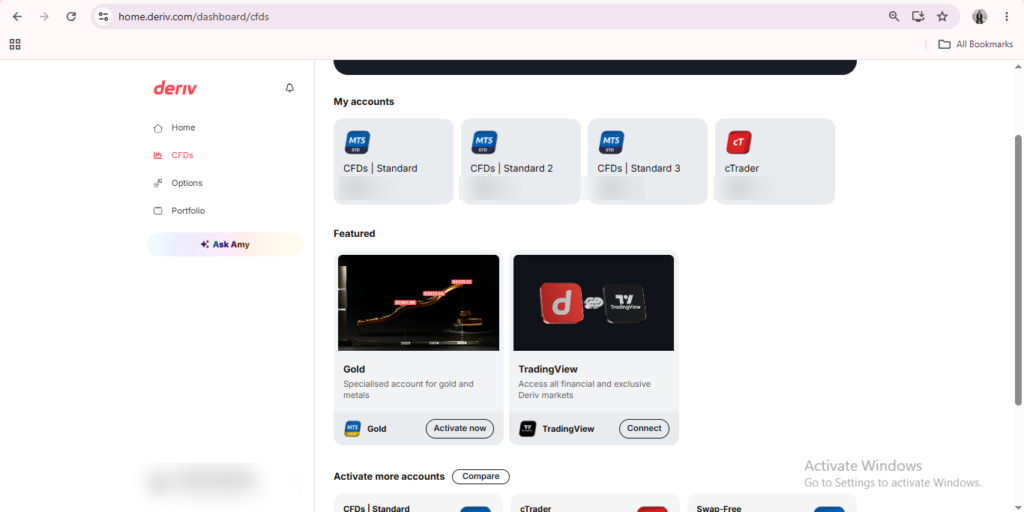
Deriv’s account types generally fall into a few categories, covering different markets and trading conditions. The names and options you see in Trader’s Hub will depend on your region, but the core categories are usually Standard, Financial, and Swap-Free.
Step 2: Consider a Standard Account
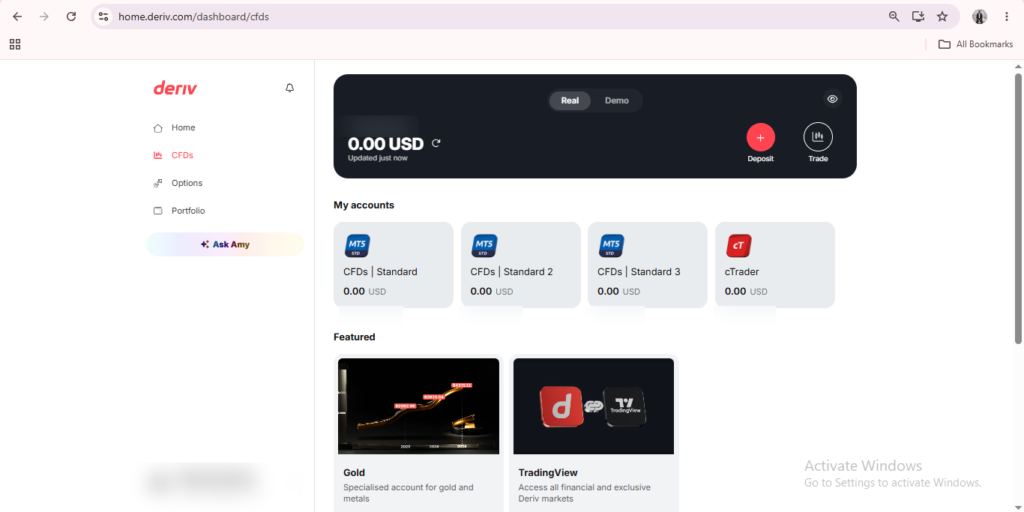
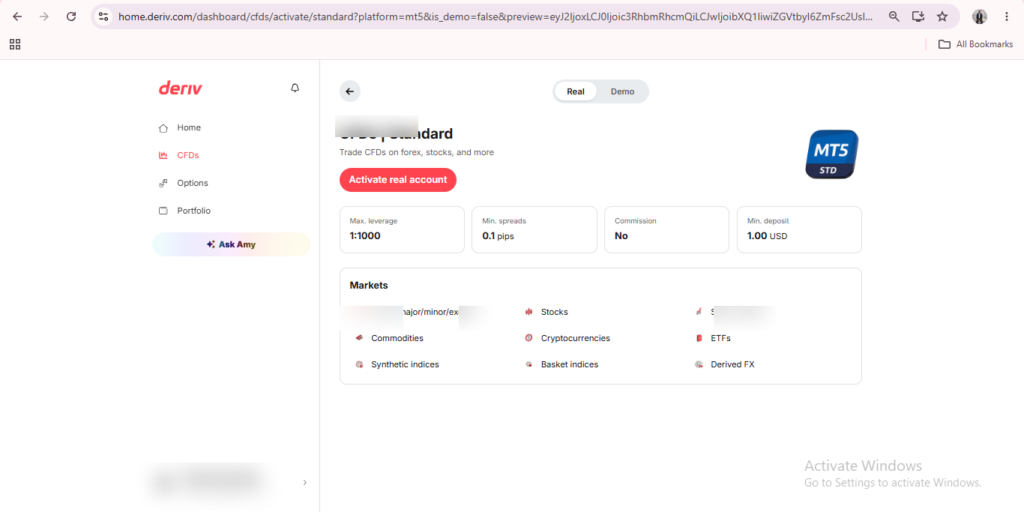
A Standard account is typically the most straightforward option, giving access to a broad range of markets with conditions suited to everyday trading activity. If you’re just getting started and want to explore how the account creation and MT5 setup process works before committing to anything more specific, it’s worth checking out this walkthrough from The Forex Affiliate, which is written specifically with new traders in mind.
Step 3: Consider a Financial Account
Financial accounts are usually built around tighter spreads and conditions more relevant to forex and other financial instruments. If your focus is specifically on these markets, this account type is worth comparing against the Standard option before you decide.
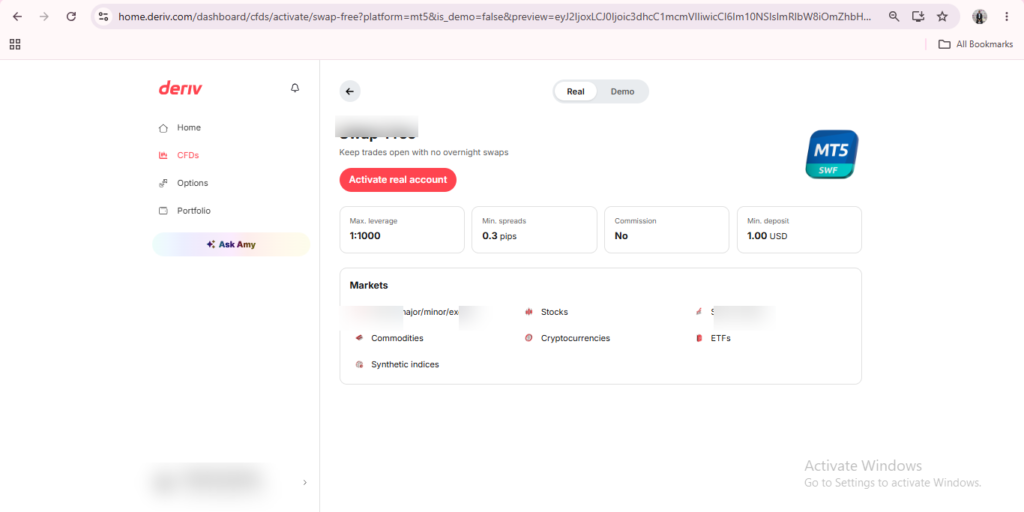
Step 4: Consider a Swap-Free Account
A Swap-Free account removes overnight swap charges, which can matter if you tend to hold positions open for longer periods. Not every market or instrument is available under Swap-Free conditions, so check what’s included before switching to this option.
Step 5: Match the Account to How You Plan to Use the Platform
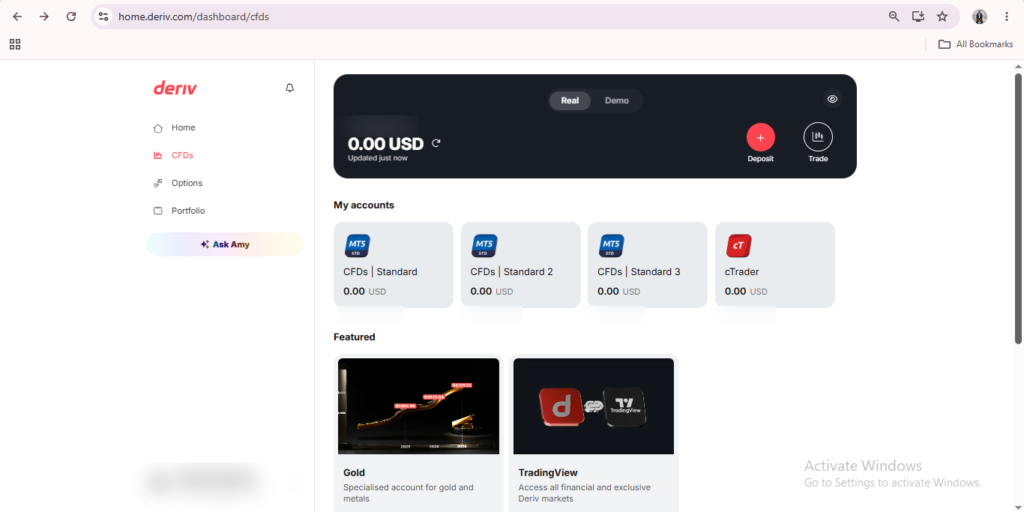
Rather than choosing based on the name alone, think about which markets you’re interested in and how you plan to hold positions. You can usually open more than one account type under the same Deriv login, so it’s not an irreversible decision.
Step 6: Review and Confirm Your Choice
Once you’ve picked an account type, review the specific conditions listed like spreads, available markets, and any swap details before confirming setup in Trader’s Hub. In another article we answer the question “Can I have multiple accounts on Deriv?“
Thinking Beyond Trading
Some people using Deriv are also interested in what happens on the other side of the platform and that is introducing others to Deriv rather than trading themselves. If that’s something you’re curious about, Deriv runs its own Partners program, which lets you earn by referring new users to the platform.
More broadly, if you’re interested in building a wider online income around affiliate marketing rather than just one program, platforms like Wealthy Affiliate are designed specifically to teach beginners the fundamentals of building an affiliate marketing business from the ground up.

FAQ: Choosing a Deriv Account Type
Can I have more than one account type on Deriv? Yes, Deriv allows multiple account types under the same login, so you’re not limited to just one.
What’s the difference between a Standard and Financial account on Deriv? Standard accounts generally cover a broader range of markets, while Financial accounts are built around conditions more specific to forex and related instruments.
Does a Swap-Free account cost more to open? No, opening a Swap-Free account doesn’t cost anything extra — it simply removes overnight swap charges on eligible markets.
Can I switch account types later if I change my mind? Yes, you can open a new account type at any time from Trader’s Hub without affecting your existing accounts.