Whether you’re stepping away from trading for a while, consolidating your accounts, or simply moving on to a different platform, closing or deleting your Deriv account is a straightforward process. As long as you know the right steps to follow. Before you go, it’s worth understanding what happens to your funds, open positions, and account data once the process is complete. In this guide, we’ll walk you through exactly how to delete or close your Deriv account safely, step by step, so you can wrap things up without any surprises.
Always remember trading forex and CFDs comes with risk. When choosing who to work with it is important to be aware of the vulnerabilities. The CFTC Forex education and consumer protection ensures that you are well informed and not exposed.
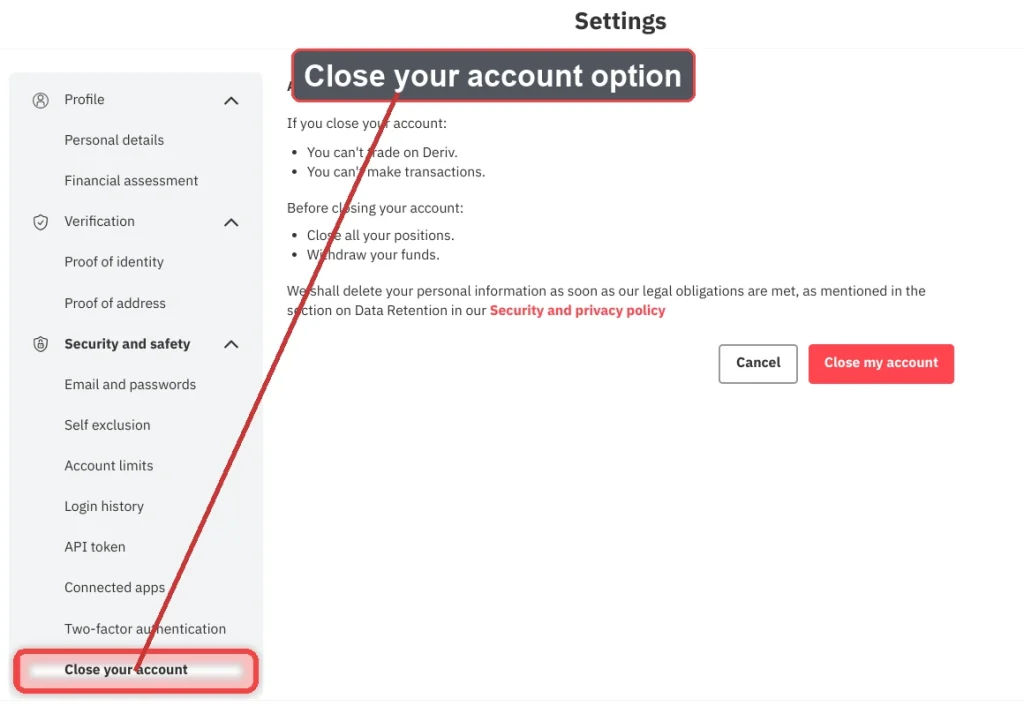
Step 1: Withdraw Any Remaining Balance
Before closing your account, withdraw any funds sitting in your Deriv or linked MT5 accounts. Once an account is closed, accessing any remaining balance becomes far more complicated.
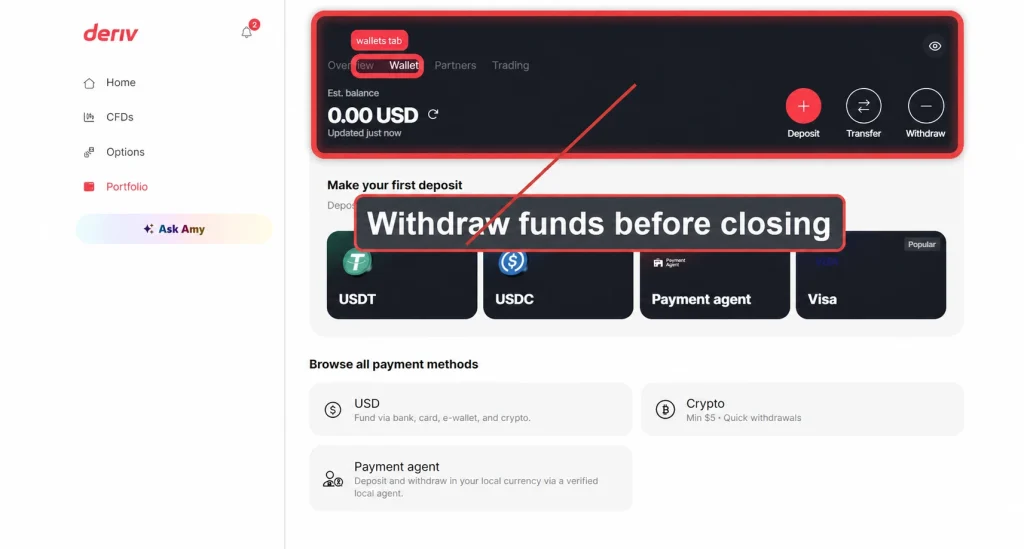
Step 2: Settle Any Open Positions

If you have any open trades or positions, close them out before proceeding. An account with open positions typically can’t be closed until everything is settled.

Step 3: Go to Account Settings
Log into your Deriv account and click on your profile icon in the top right corner, then select “Account Settings”.
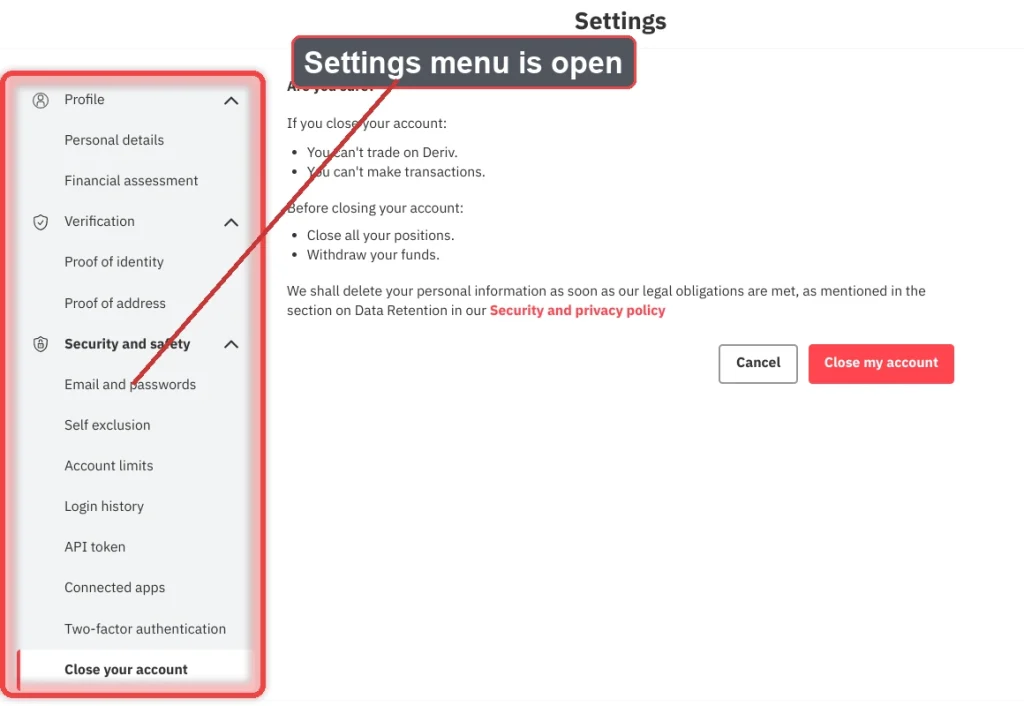
Step 4: Find the Account Closure Option
Look for a “Close account” or “Deactivate account” option, usually found toward the bottom of Account Settings or within a dedicated security or account management section.
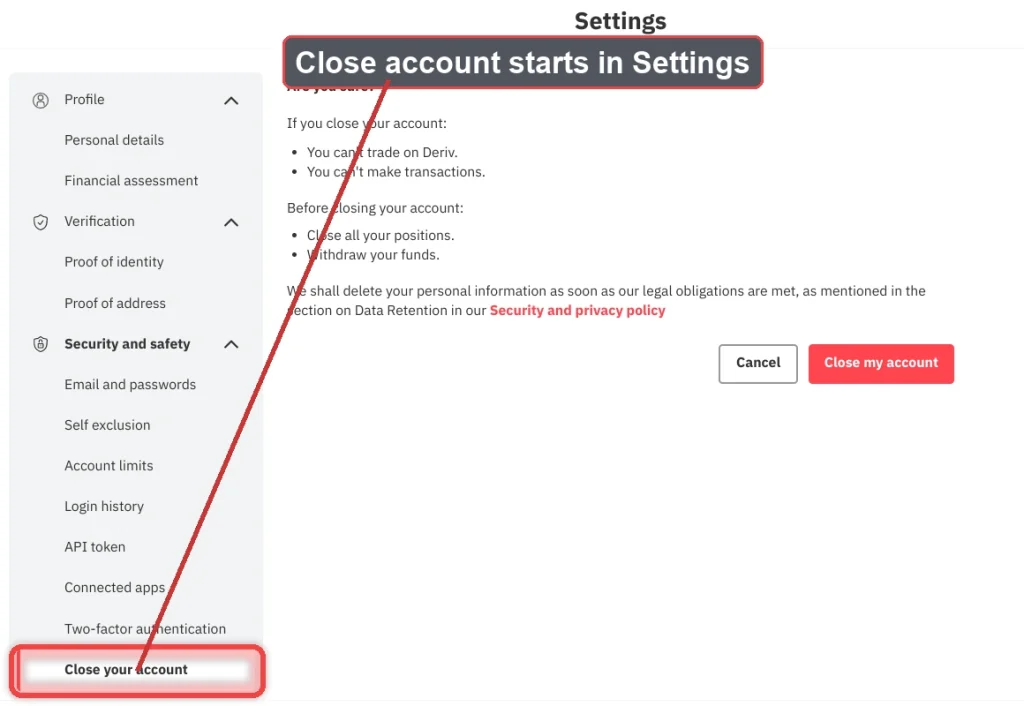
Step 5: Select a Reason for Closing
Deriv will typically ask why you’re closing your account. This is generally used for internal feedback purposes and doesn’t affect whether the closure goes through.

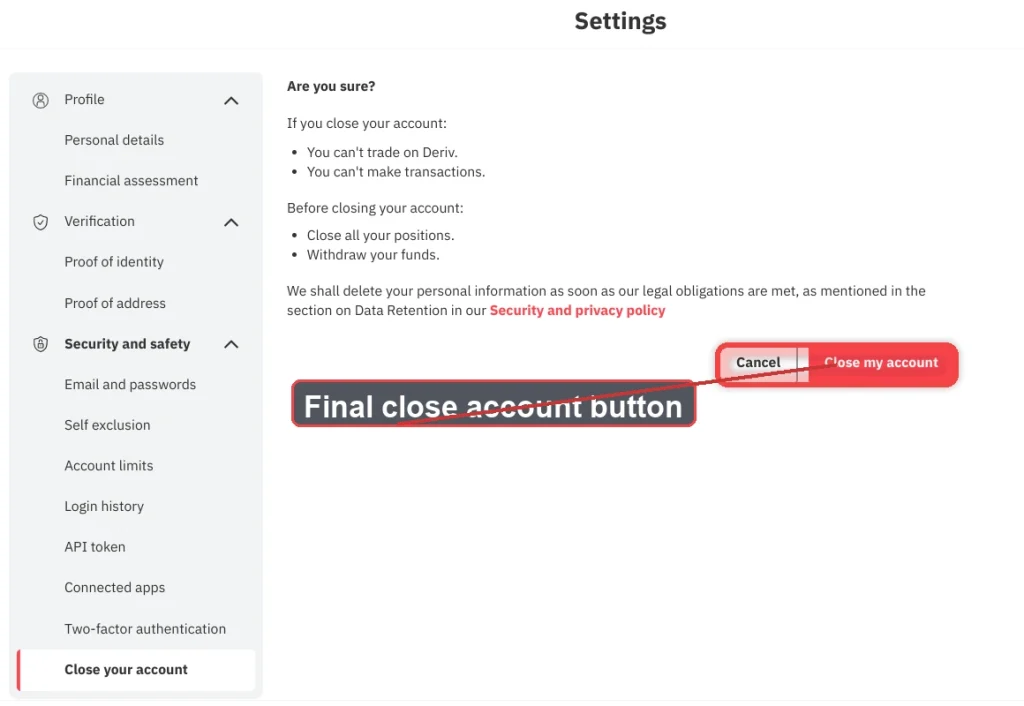
Step 6: Confirm the Closure
Review the confirmation screen, which usually explains what happens next, such as how long your data is retained or whether the account can be reopened. Confirm to proceed.
Step 7: Check for a Confirmation Email
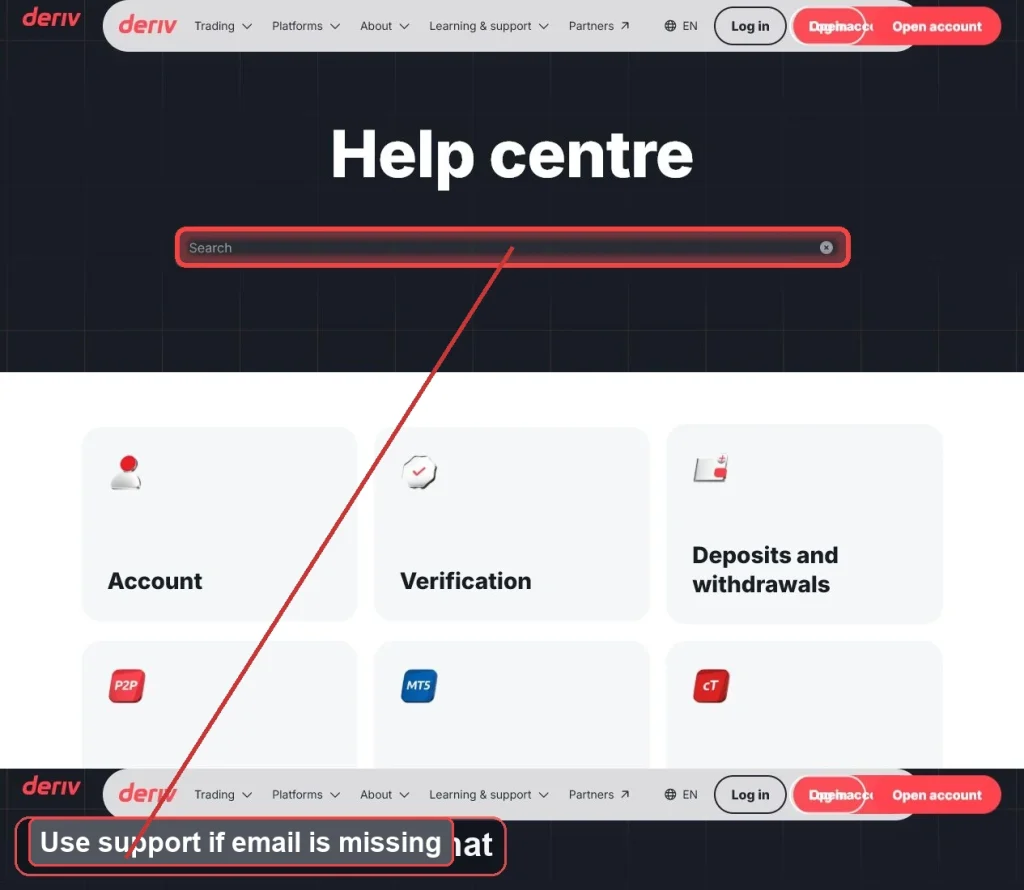
Deriv should send a confirmation email once your account closure request has been processed. Keep this for your records in case you need to reference it later.
Account Closed
That’s the full process for closing a Deriv account. If you ever decide to come back, check whether Deriv allows reactivating a closed account or whether you’d need to sign up again from scratch. When you are ready to reopen you can follow the guide How to create a Deriv Account to make sure you do not miss a step.
Deriv offers an alternative income stream that is open to virtually anyone. The Deriv Partner Program enables you to make additional income simply by supporting other traders. You do not need to lace a single trade to earn.
FAQ: Deleting or Closing a Deriv Account
Can I reopen my Deriv account after closing it? This depends on how the closure was processed. Contact Deriv support to ask whether reactivation is possible for your specific account.
What happens to my funds if I forget to withdraw before closing? It’s best to withdraw everything first. If funds are left behind, contact support, since retrieving them afterward can take longer and require additional verification.
Do I need to close my MT5 accounts separately from my Deriv account? Linked MT5 accounts are generally tied to your main Deriv login, so closing the main account typically affects linked accounts too, though it’s worth confirming with support beforehand.
How long does Deriv keep my data after I close my account? Data retention periods vary based on regulatory requirements in your region. Check Deriv’s privacy policy or ask support for specifics relevant to your account.