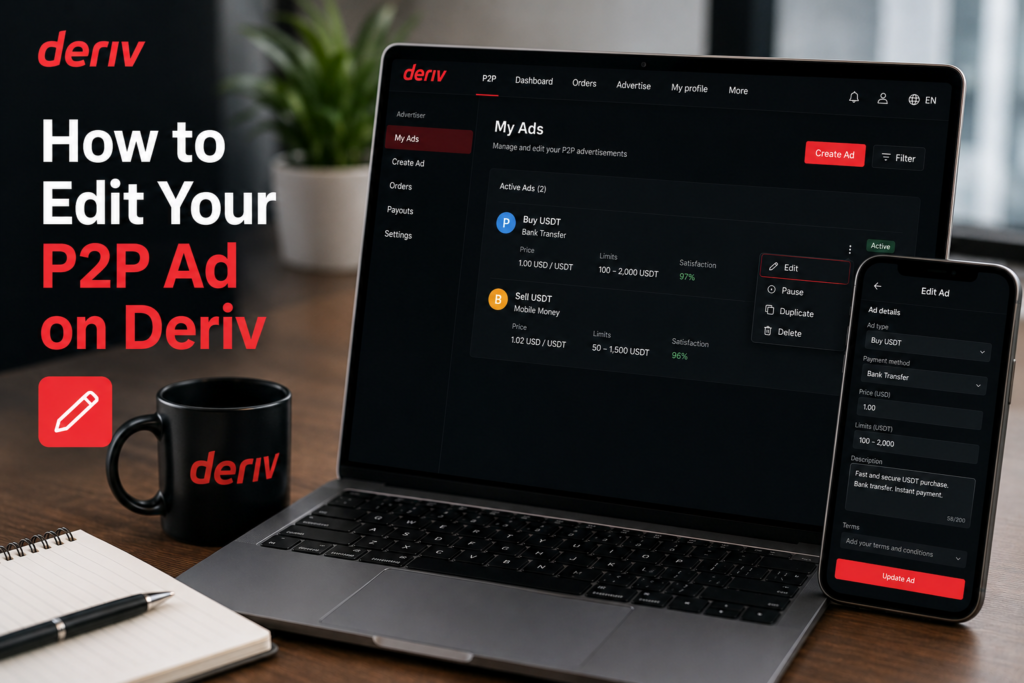
Becoming a P2P advertiser on Deriv opens the door to more control over your trading experience, letting you set your own rates, choose your preferred payment methods, and reach buyers or sellers directly. While it’s a step up from simply responding to existing ads, the process to qualify and get started is straightforward once you know the requirements. In this guide, we’ll walk you through exactly how to become a Deriv P2P advertiser, step by step, so you can start posting your own ads with confidence. Learn more about P2P trading limits and advertiser tiers
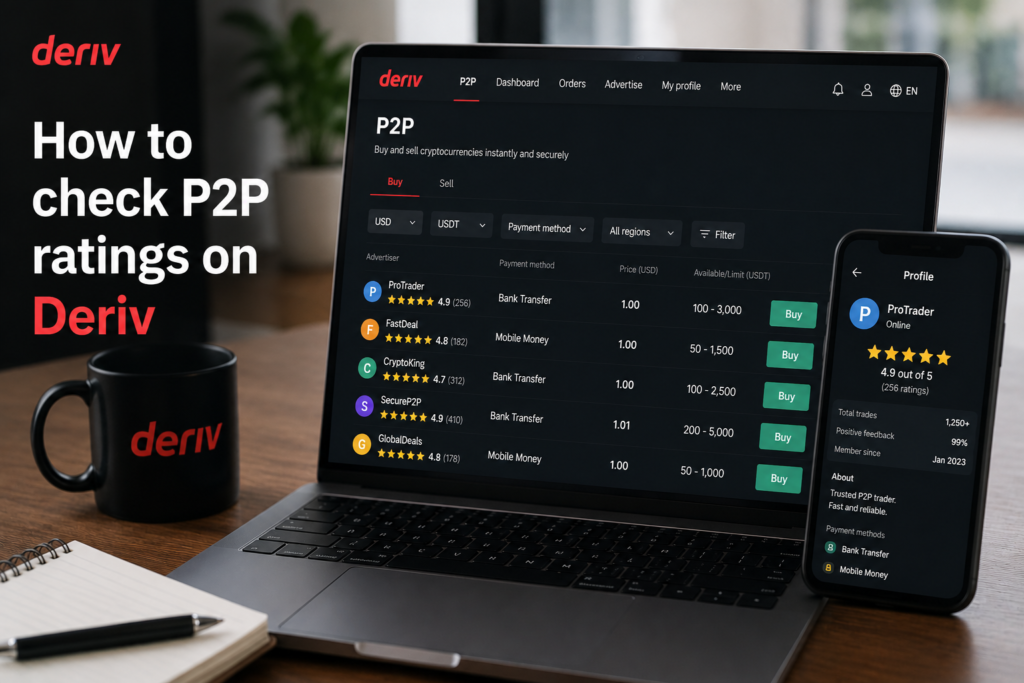
If you want to check counterparty quality before trading, see How to Check P2P Ratings on Deriv and How to Raise a Dispute on Deriv P2P.
If you do not yet have a Deriv account you can create one here.

Step 1: Meet the Basic Requirements
Before applying, make sure your Deriv account is fully verified, including proof of identity and proof of address, since advertiser status isn’t available on unverified accounts.
Step 2: Open Deriv P2P
Log into your Deriv account, go to your Wallet, and select “Deriv P2P”.
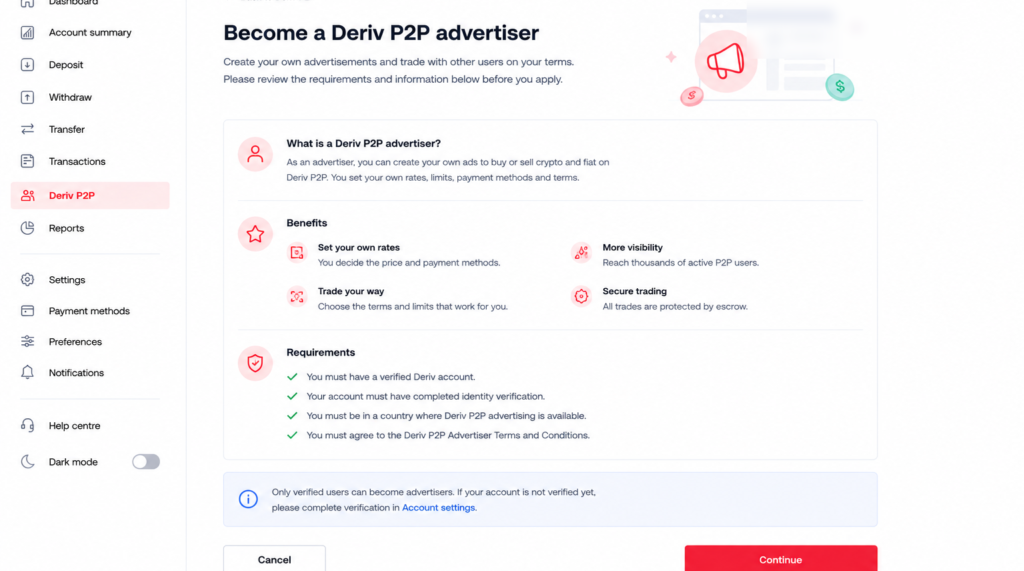
Step 3: Find the Advertiser Option
Look for a “Become an Advertiser” or “Advertiser Application” option, usually found in the P2P settings or profile section.
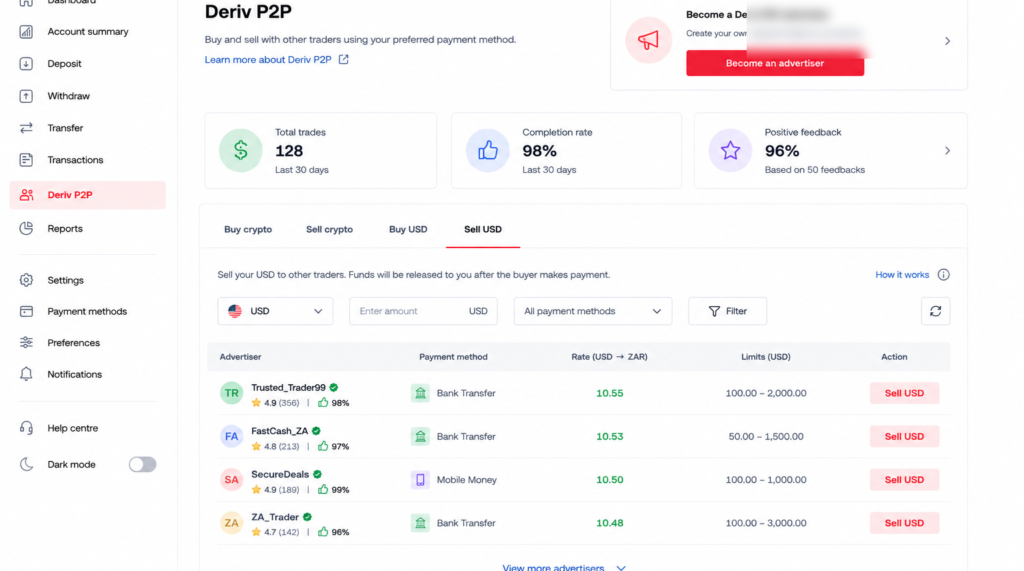
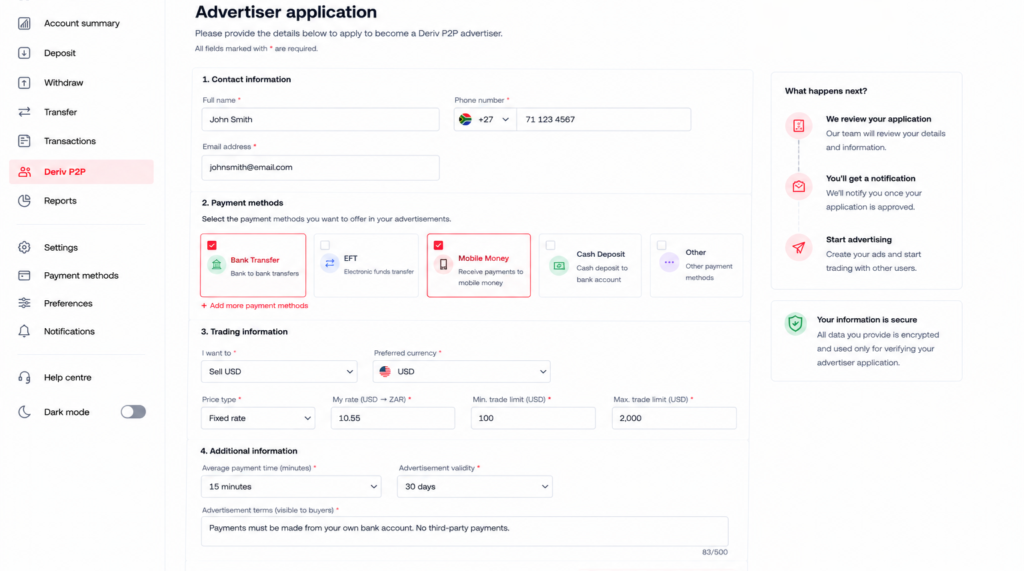
Step 4: Set Up Your Advertiser Profile
You’ll typically be asked to choose a nickname and confirm the payment methods you plan to accept as an advertiser.
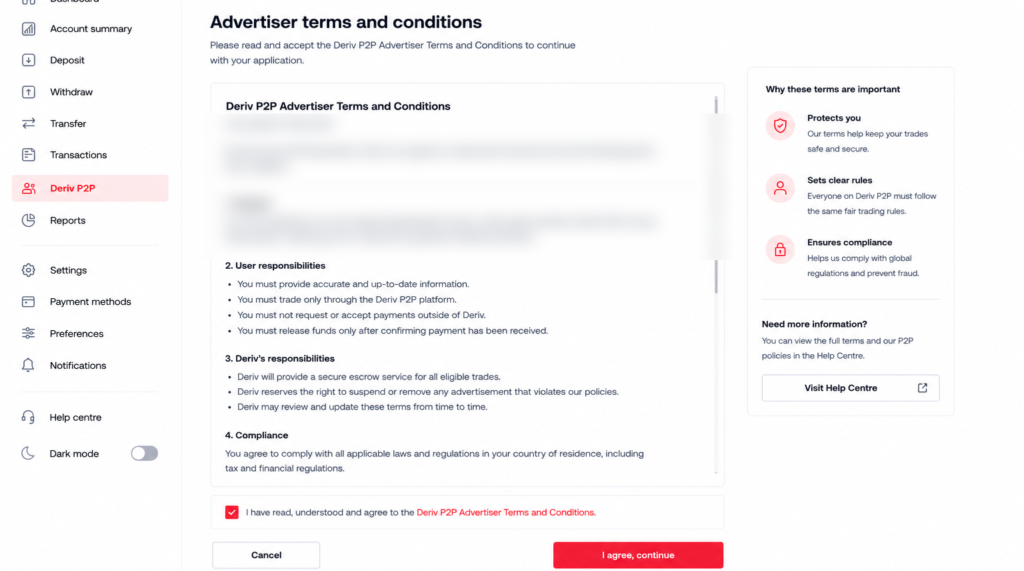
Step 5: Agree to the P2P Terms
Review and accept Deriv’s P2P advertiser terms, which cover expected conduct, response times, and dispute handling.
Step 6: Confirm Your Advertiser Status
Once approved, your account will show advertiser status, and you’ll see the option to post ads from the P2P dashboard.

Ready to Advertise
With advertiser status active, you can start posting buy or sell ads with your own rates, limits, and accepted payment methods.

Beyond Resolving Account Issues
Now that you are a Deriv P2P Advertiser, some users start looking at Deriv from a different angle and that is earning by referring others to the platform rather than trading themselves. Deriv’s Partners program is designed for exactly this.
For those wanting to build a broader online income through affiliate marketing more generally, Wealthy Affiliate is designed to teach beginners the fundamentals of building an affiliate marketing business from scratch.
FAQ: Becoming a Deriv P2P Advertiser
Do I need a verified account to become a P2P advertiser? Yes, full verification, including proof of identity and proof of address, is generally required before advertiser status is granted.
Is there a cost to becoming a Deriv P2P advertiser? No, applying for advertiser status doesn’t cost anything.
Can advertiser status be revoked? Yes, repeated disputes, poor ratings, or terms violations can result in advertiser status being suspended or removed.
Do I need a minimum balance to become an advertiser? Requirements can vary by region, so check the specific eligibility notes shown during the application process on your account.