Before risking real money on synthetic indices, running a demo account is the single most useful thing a beginner can do. Here’s exactly how to set one up on Weltrade. A demo account provides a way to explore a trading platform and practise using virtual funds before opening a live account. DailyForex’s 2026 guide to demo accounts explains how these accounts work and what traders should consider when using one.

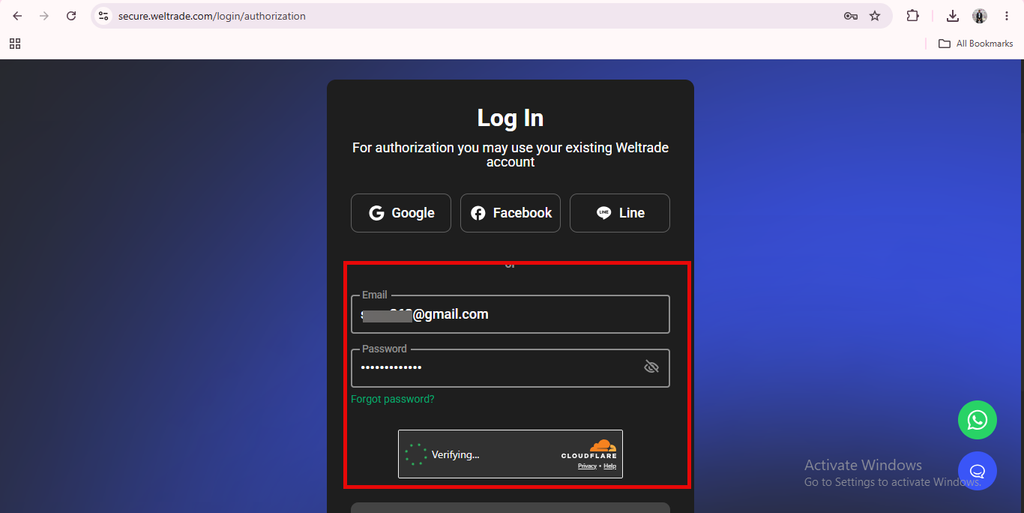
Step 1: Log In to Your Weltrade Profile
If you don’t already have a Weltrade profile, register one first. It’s your master login for every account type, including demo accounts. If you already have a profile from a previous account, you can open a demo alongside it without any extra hurdles.
Step 2: Select “Open a New Account”
From your dashboard, choose the option to open a new trading account. When selecting the account type, pick Synthetic Indices (SyntX), and look for the demo option rather than the live account setting during creation.

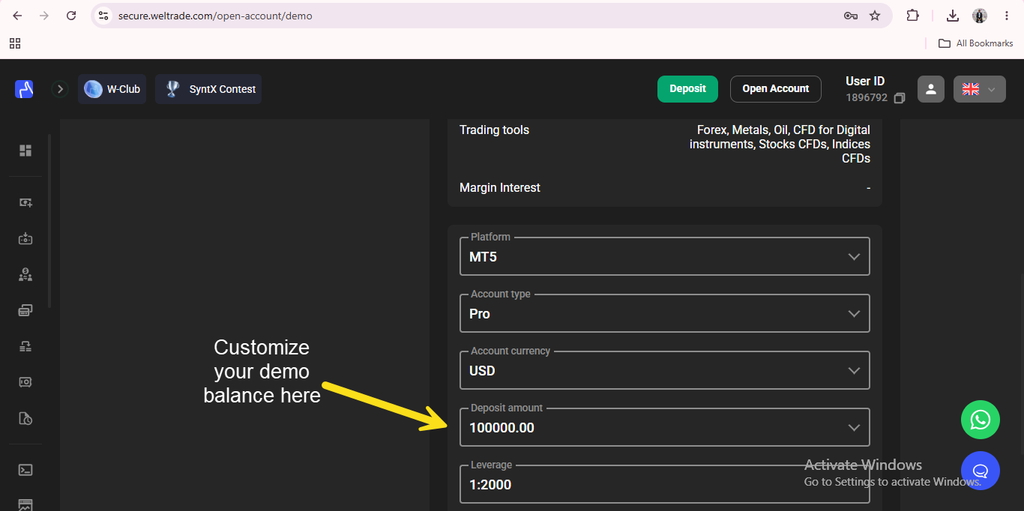
Step 3: Choose a Starting Balance
Demo accounts typically let you select a virtual starting balance to trade with. Picking a figure close to what you’d realistically deposit on a live account makes the practice more useful. Trading a demo with an unrealistically large virtual balance can lead to habits that don’t translate well once real money and real position sizing are involved.
Step 4: Log In Through MT5
Just like a live account, your demo SyntX account generates its own MT5 login credentials. Open MT5, select File → Login to Trade Account, enter the demo account number and password, and choose the Weltrade-Demo server rather than Weltrade-Live.

What to Actually Practice
Simply clicking buttons on a demo account isn’t the same as learning. Use the time to observe how specific instruments behave, how often they reverse, how large a typical swing looks, and how quickly a position can move against you. Practicing your intended position sizing and stop-loss placement on demo, exactly as you’d plan to on a live account, makes the transition far smoother. It also helps to treat the demo phase with the same seriousness you would a live account. Sizing positions realistically, honoring your own stop-losses, and resisting the urge to take outsized swings just because the money isn’t real, since sloppy habits formed here tend to carry over once actual capital is involved. For a direct comparison of what changes between demo and live, see Weltrade SyntX Demo vs Real Account.

How Long to Stay on Demo
There’s no fixed answer, but a reasonable benchmark is trading consistently on demo until your results feel repeatable across a few different instrument types, not just a single lucky streak on one chart. Rushing to go live before that point is one of the more common reasons beginners lose confidence quickly once real money is on the line.

Switching to Live When You’re Ready
When you feel prepared, opening a live SyntX account follows the same basic process, just with the demo toggle turned off and an actual deposit made. For the full walkthrough of that process, see our guide on How to Open a Weltrade SyntX Account.
Ready to start practicing risk-free? Open a Weltrade SyntX demo account and get familiar with the platform first.